Looking to see your Etisalat balance in no time at all? Managing calls, texts, and data via Etisalat prepaid or postpaid can be enhanced with knowledge of remaining balance, data, minutes, and current bill so you don’t need to lose call or text continuity. Luckily, Etisalat has provided several official, hassle-free methods of viewing account information, such as USSD codes, SMS services, and the official website and Etisalat e& UAE smartphone application.
This is a step-by-step tutorial on how to check your Etisalat balance;
- Through USSD codes
- Through SMS
- Through e& UAE app
- Through the official website
This is your guide about ‘Check Etisalat balance’ for all your needs!
What Is Etisalat?
In the United Arab Emirates (UAE), Etisalat is one of the major communications service providers serving both commercial and personal clients with a range of mobile, internet, TV, and digital communications products and services. Serving millions of customers in the UAE, it is best known for offering prepaid and postpaid cellular phone plans, speedy World Wide Web services, as well as different digital services.
From resident to expatriate, tourist to businessman in the UAE, Etisalat provides a variety of telecom services to cater to various communication and connectivity requirements.
1. Check Etisalat Balance via USSD Code
The fastest and easiest method to know your Etisalat balance is by using a USSD code. Does not require the Internet and delivers the information about your account within seconds.
For Etisalat Prepaid Users
Unlock your phone using the dialer or phone application.
Step 1: Open the Phone Dialer
Unlock your phone and open the Phone or Dialer application.
Step 2: Dial the Balance Check Code
Call the following USSD number:
*121#
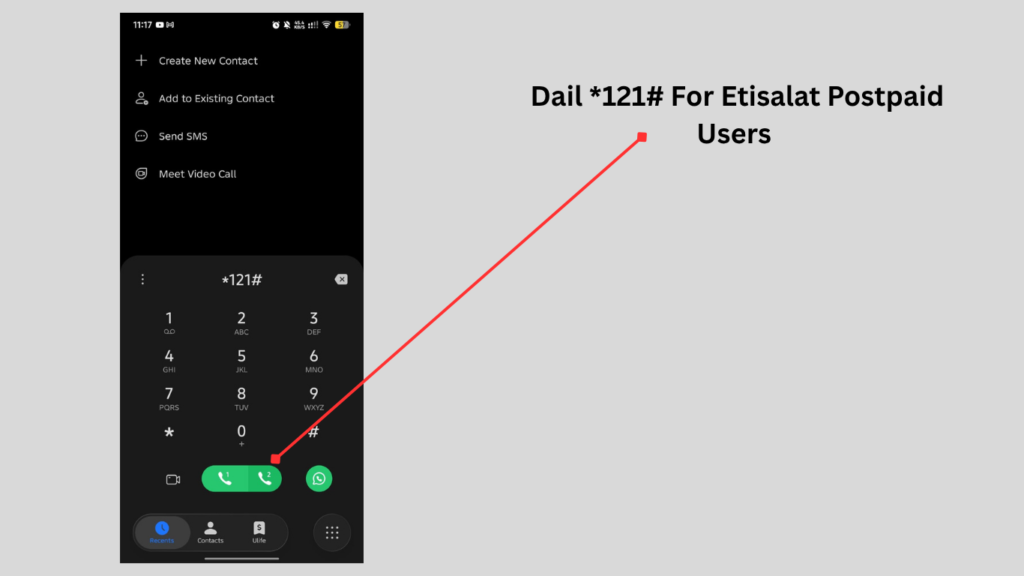
Step 3: Tap the Call Button
Press the Call button.
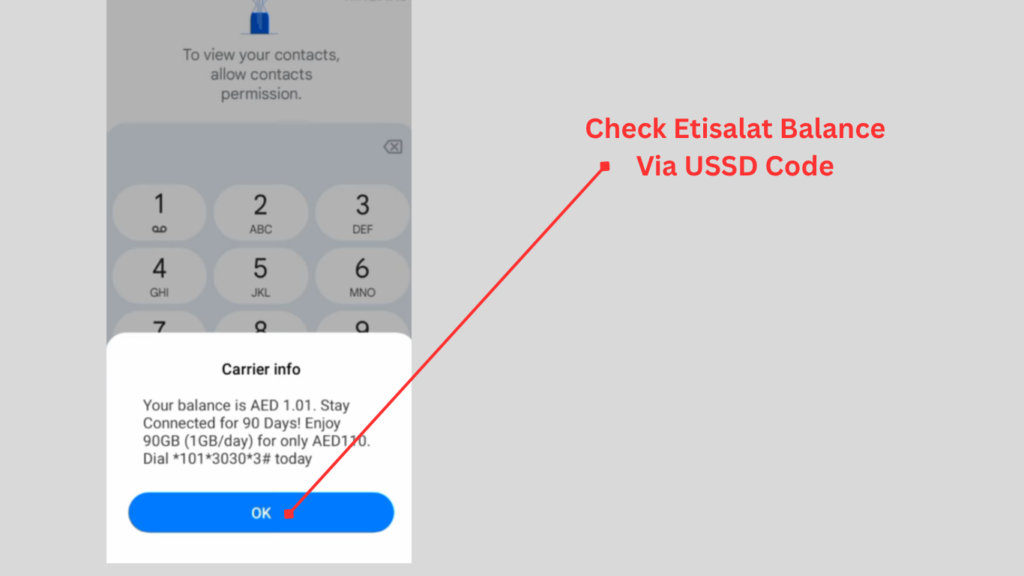
Step 4: View Your Balance
After just a few seconds, you will see how much of your prepaid credit balance you have remaining. Depending on your plan, it might also show you the validity of your plan and other helpful information.
Benefits
- Instant results
- No internet required
- Free to use
- Available anytime
For Etisalat Postpaid Users
There are also separate USSD codes which postpaid customers can use to check their current bill and the benefits of their plan.
Step 1: Open the Dialer
Launch your phone’s dial pad.
Step 2: Dial the Postpaid Code
Enter:
*140#
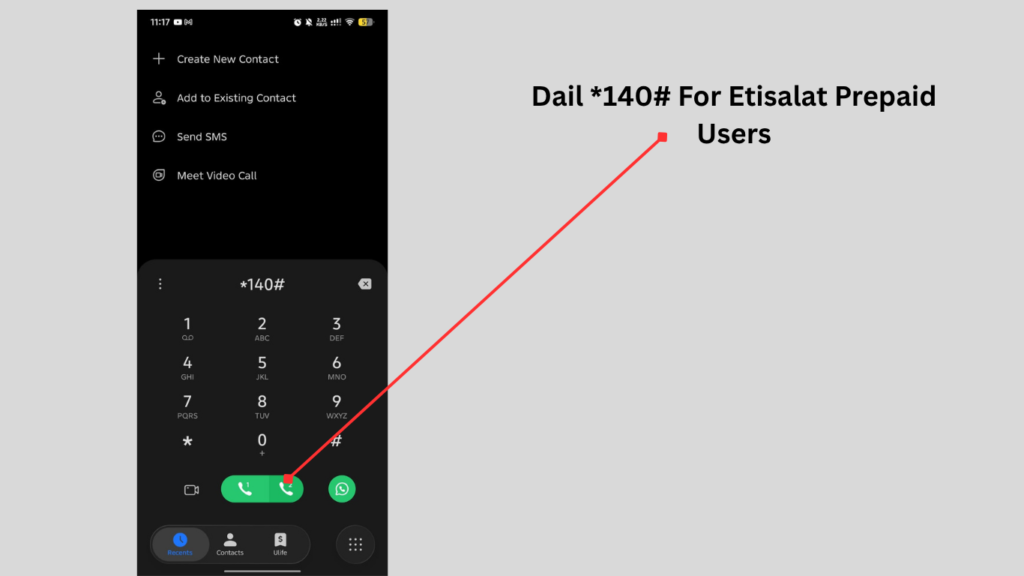
Step 3: Press Call
Tap the Call button.
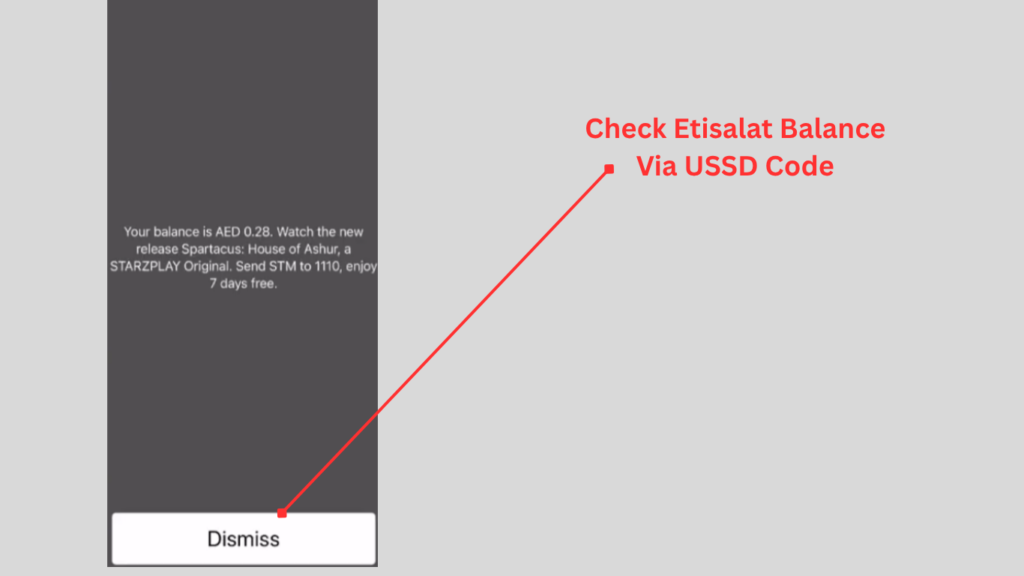
Step 4: Check Your Information
You will see the following information:
- Current bill amount
Read Also: How to Calculate DBR in UAE Before Loan Approval
2. Check Etisalat Balance via SMS
An easy alternative for monitoring the balance is to send a short SMS.
Step 1: Open the Messages App
Launch the default SMS application on your phone.
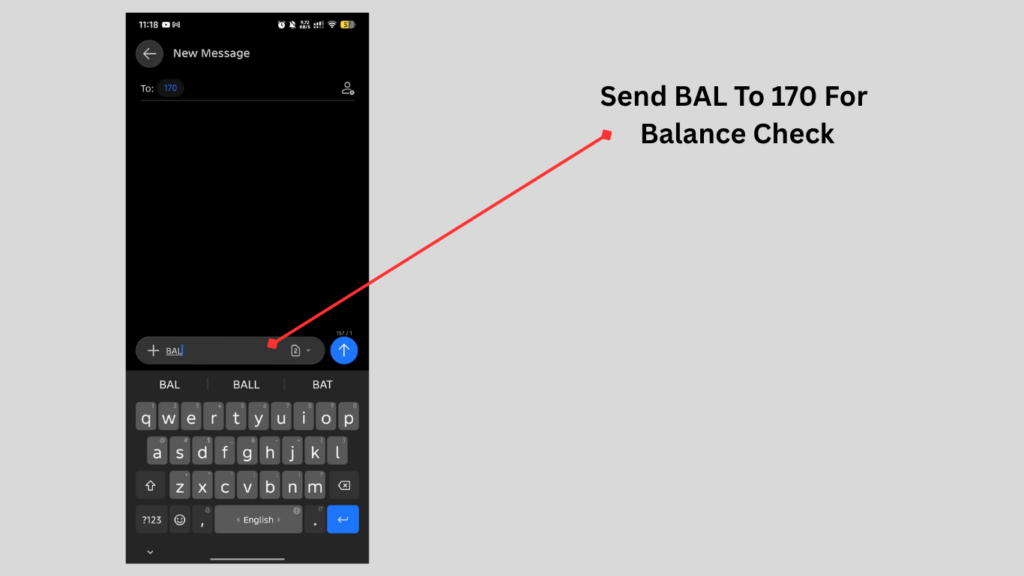
Step 2: Type the Message
Enter the following text:
- BAL
Step 3: Send the SMS
- Send it to:
- 170
Step 4: Receive Your Balance Details
A short while later, you will get a text with your account information and balance, if you are a subscriber.
3. Check Etisalat Balance via the Official Website
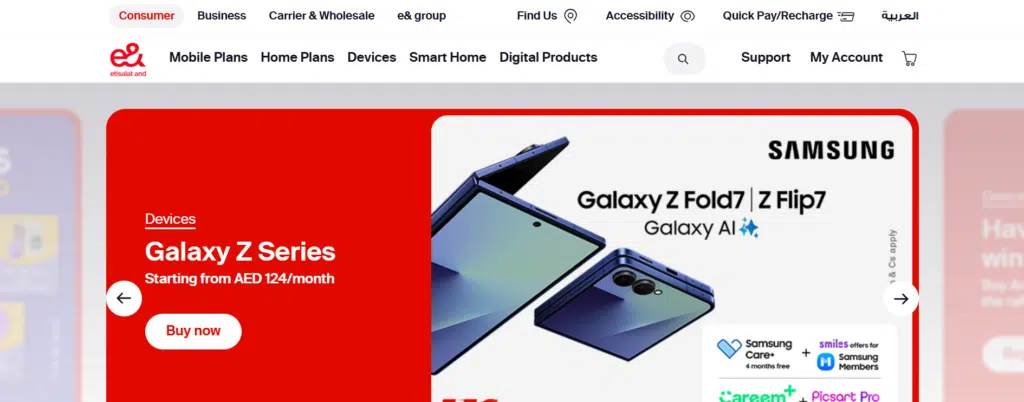
Step 1: Visit the Official Etisalat Website
Go to the official website of Etisalat and (e&) UAE in your web browser.
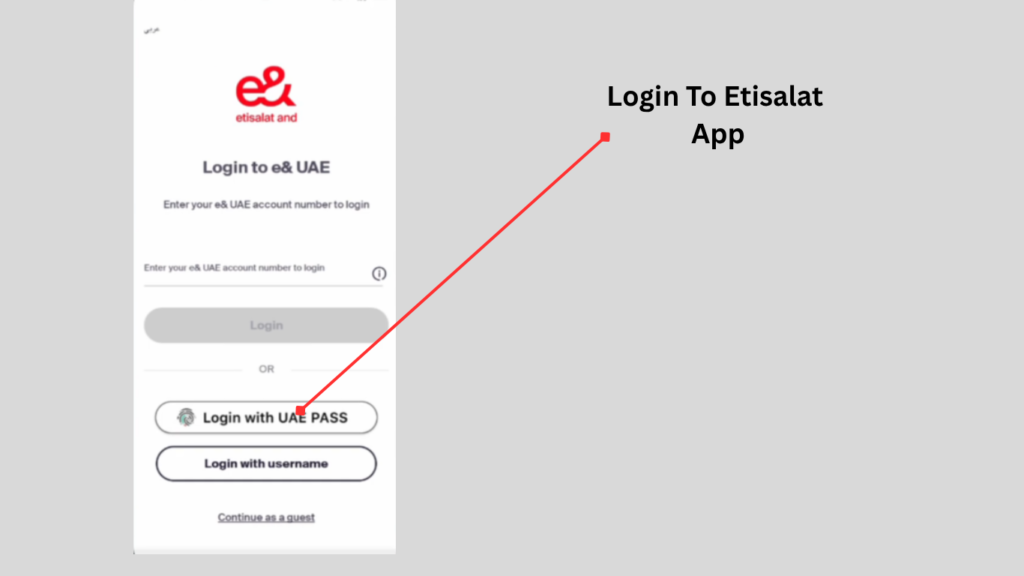
Step 2: Sign In
Use registered Etisalat Account information to log in.
Step 3: Open Your Account Dashboard
After signing in, go to your account dashboard.
Step 4: View Your Account Information
Here you can check:
- Available balance
- Remaining data
- Call minutes
- SMS allowances
4. Check Etisalat Balance Using the e& UAE App
The official e& UAE app is one of the most convenient ways to manage your Etisalat account. It gives you access to your balance and many other services from your smartphone.
Step 1: Download the App
Install the official e& UAE app from your device’s app store if you haven’t already.
Step 2: Sign In
Log in using your registered mobile number or account credentials.
Step 3: Open the Home Screen
After logging in, you’ll be taken to the dashboard.
Step 4: Check Your Balance
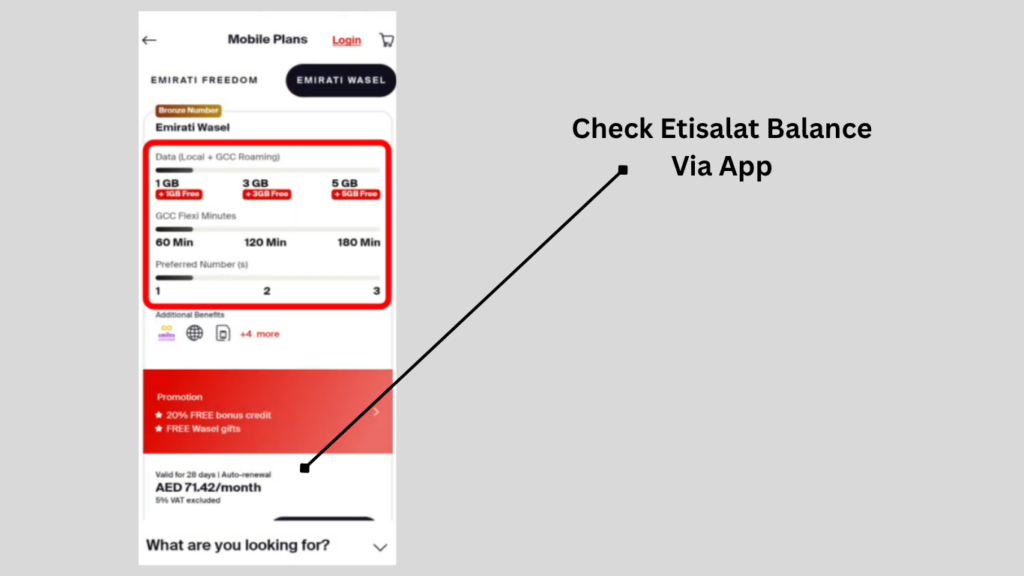
The dashboard usually displays:
- Available balance
- Remaining data
- National minutes
- International minutes
Common Etisalat Balance
There are solutions to resolve the problem of checking balance when it comes to checking Etisalat balance, when you are facing difficulties.
1. USSD Code Not Working
Solution:
- Verify you’re using the correct USSD code.
- Check your network signal.
- Restart your phone and try again.
2. No SMS Reply
Solution:
- Type BAL correctly.
- Send it to 170.
- Wait a few minutes and resend if needed.
3. Unable to Log In to the e& UAE App
Solution:
- Check your internet connection.
- Verify your login details.
- Update the app to the latest version.
4. Balance Not Updating
Solution:
- Wait several minutes following new charges.
- Refresh the app or website.
- Check again using the USSD code.
5. Website Not Loading
Solution:
- Refresh the page.
- Clear your browser cache.
- Try another browser or device.
Frequently Asked Questions (FAQs)
What is the way to know my mobile data balance?
Prepaid customers need to dial *121# to view their remaining main credit instantaneously.
What are the ways to see the details of an account if you are on a postpaid plan?
For Postpaid users, dialling *140# will show the present bill as well as plan benefits.
How can I check my remaining mobile data?
Call 170# to see how much more data you have.
Is it possible to view Etisalat balance via SMS?
Yes. To get your balance information on supported plans, send BAL to 170.
Is there a website for me to view my balance?
Yes. You can sign in to your account on the official Etisalat website to check your account balance, usage, bill, and much more.
Read Also: Kuwait Civil ID Payment Online: PACI Fee Guide 2026
Final Words
Etisalat balance check is easily done through the USSD service, SMS platform, official Etisalat webpage, or via the e& UAE mobile app. They provide a convenient means of checking the rest of your credit and mobile data, call minutes, and account information, which allows you to use your mobile services better.
The USSD codes are also a great choice for speed, followed by the e& UAE app and the official website, which provide detailed information, bill management, and access to other account services.