Last updated: September 2026 – top-up steps, support number and auto-recharge checked against Virgin Mobile KSA.
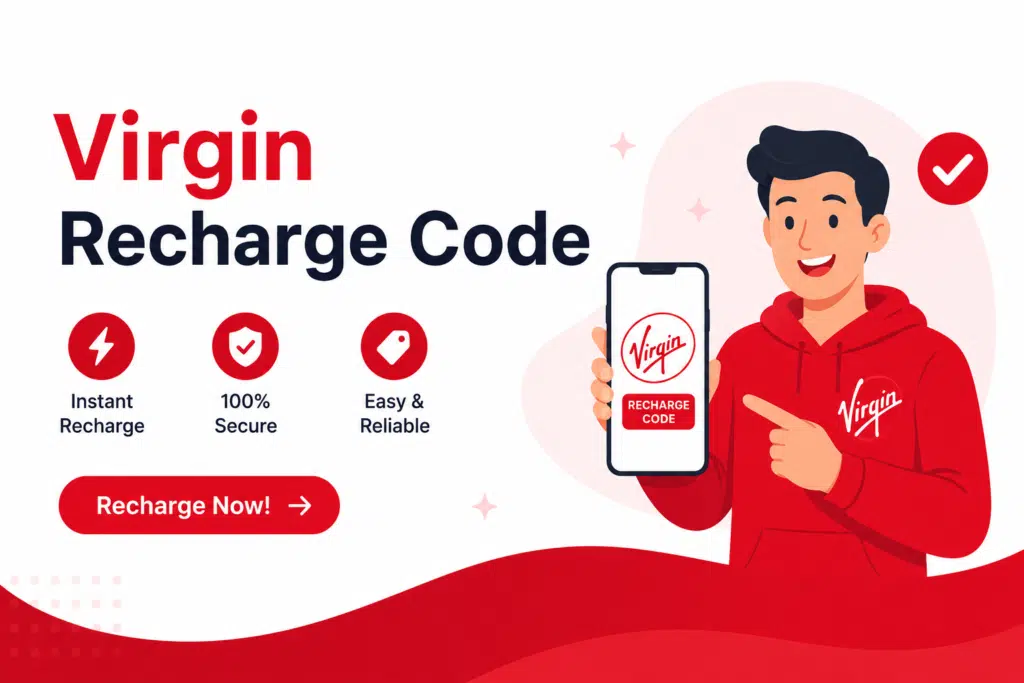
Struggling to recharge your Virgin SIM and not sure which code actually works? Knowing all about the Virgin recharge code can save you time from getting confused and simply top up your balance rapidly. Users often experience problems with voucher entry, re-charges, or don’t know how to use it.
In this complete guide, you will learn how to recharge your Virgin SIM using the
- *101* voucher method #
- Virgin Mobile app
Whether you are a beginner or someone trying to fix a recharge issue, this article will help you complete the process smoothly without any hassle.
What is a Virgin Recharge Code?
The Virgin recharge code is a system with USSD that will enable you to top up your Virgin Mobile SIM with a voucher or recharge card. Users can call a code and key in a voucher number to instantly top up the balance without having to head to a one-stop shop or online payment services.
The recharge usually occurs at the USSD level, such as the following:
- *101* voucher number#
How to Recharge Virgin Mobile Using a Voucher Code
Using your voucher to recharge is easy and only takes a few steps.
Step 1: Purchase a Virgin Recharge Voucher
Purchasing a Virgin Mobile recharge voucher from any recognised dealer, convenience store, supermarket or online through their website.
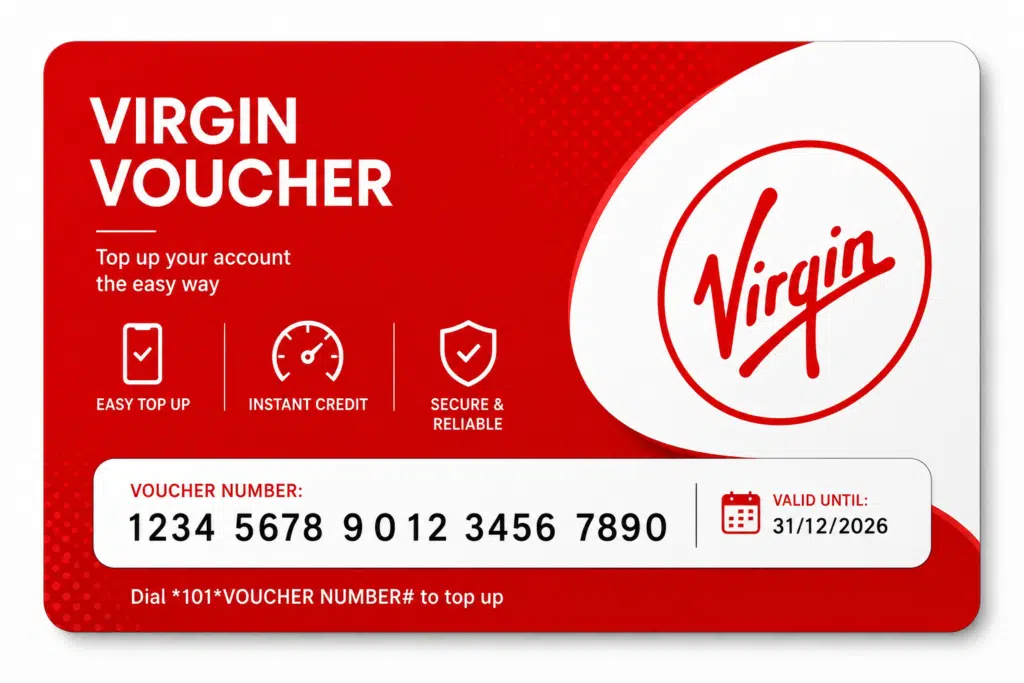
Step 2: Locate the Voucher Number
Remove the protective coating on the voucher, if needed, to locate the recharge number.
Step 3: Dial the Recharge Code
By dialling into your phone and typing the following:
- *101*Voucher Number#
Remember to put “Voucher Number” with the number that appears on your voucher.
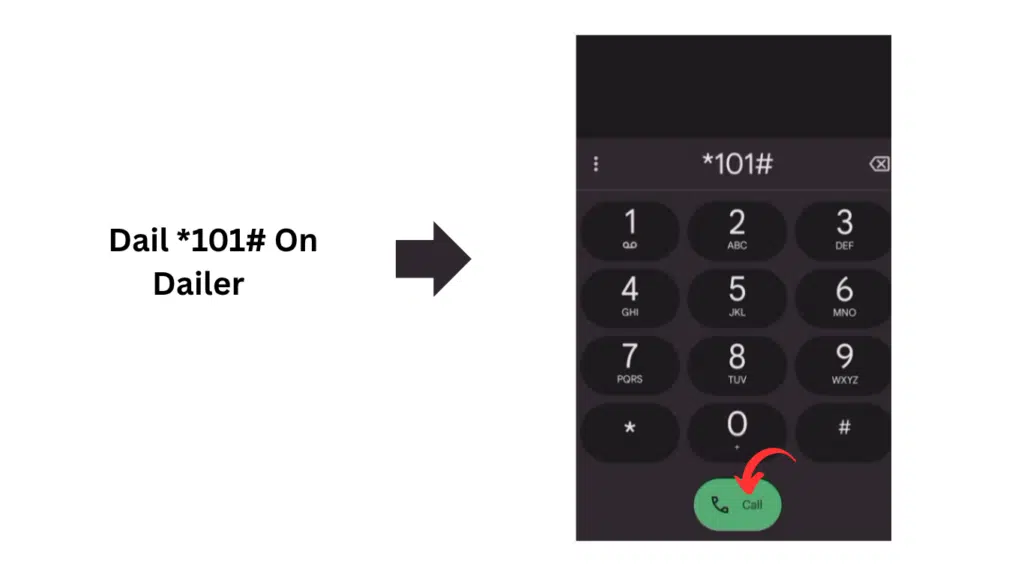
Step 4: Press the Call Button
When a call button is available, click it to request a recharge.
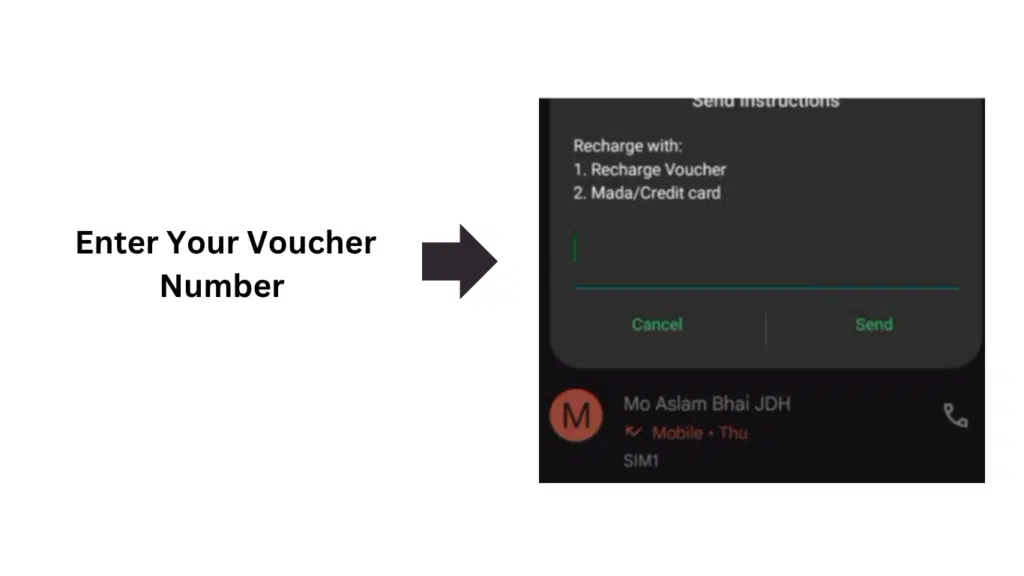
Step 5: Wait for Confirmation
A “confirmation successful” message will be sent once your recharge has passed through.
How to Recharge Using the Virgin Mobile App
Step 1: Install the App
Get the official Virgin Mobile app from your mobile Application retailer.
Step 2: Log In
Log in with your Virgin Mobile number & account information.
Step 3: Open Recharge Option
Tap on the Recharge / Top-Up menu in the app.
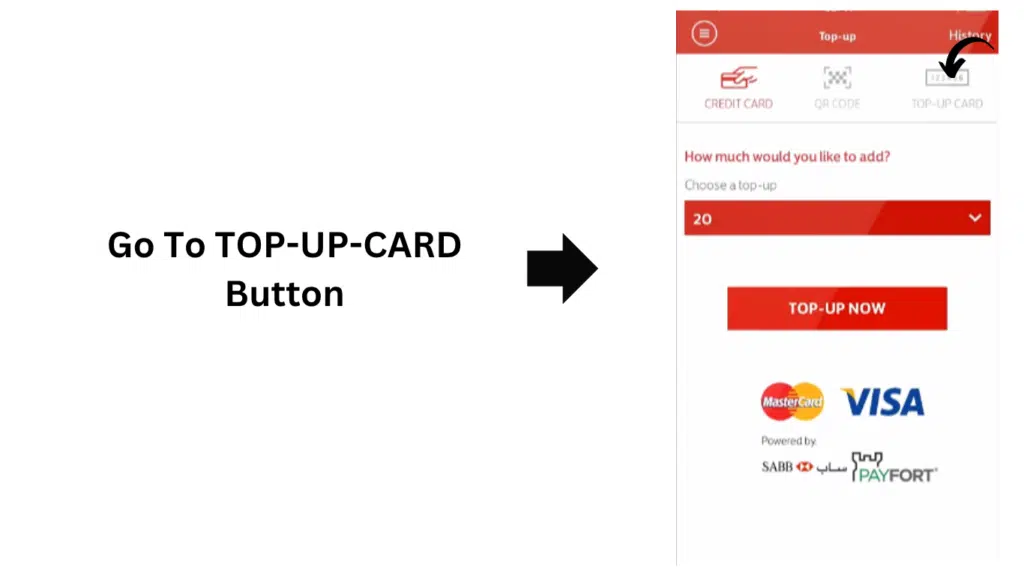
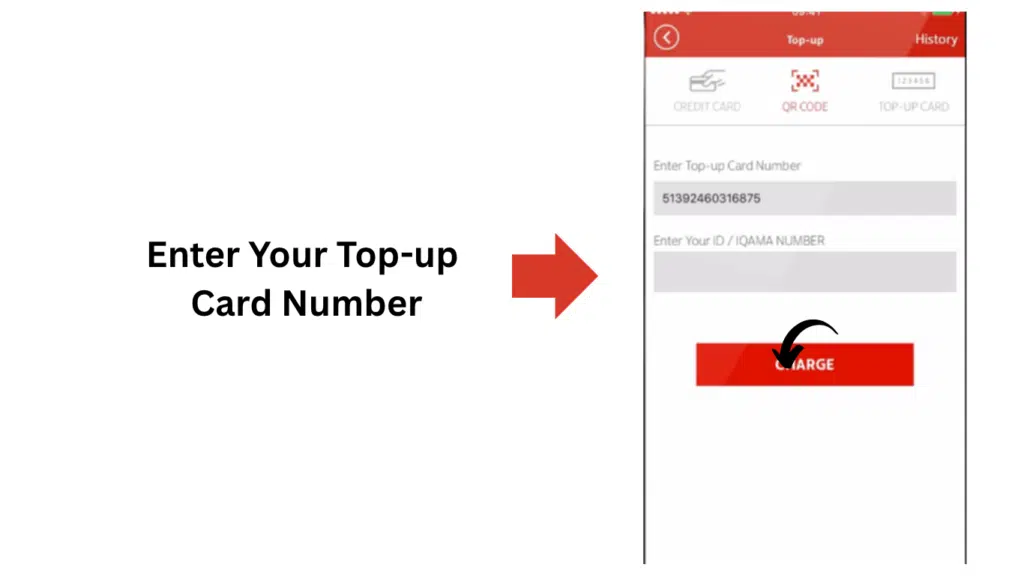
Step 4: Enter Details
Enter your voucher number or choose a payment method.
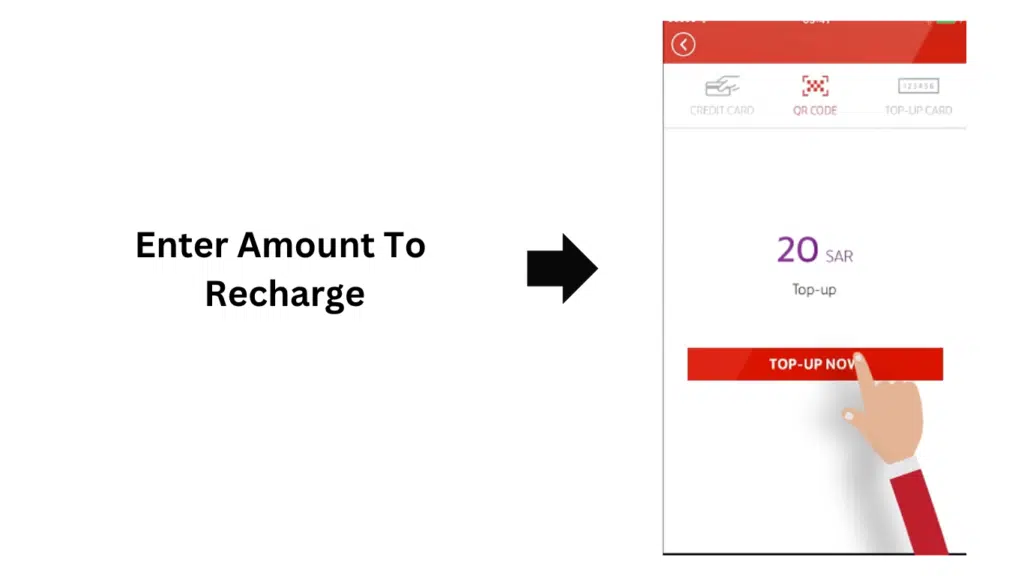
Step 5: Confirm Payment
Check the amount and payment method, then confirm.
Common Problems During Virgin Recharge & Fixes
The amount of simplicity in the system doesn’t lessen the incidence of use problems.
1. Recharge Code Not Working
Possible reasons:
- The voucher number entered was incorrect.
- Expired card
- Network issue
Solution:
- Recheck digits carefully
- Try again after restarting the phone
- Ensure signal strength is strong
2. Balance Not Updated
Solution:
- Wait 2–5 minutes
- Check SMS confirmation
- Dial balance check code (if available)
3. App Not Processing Payment
Solution:
- Update the app
- Check the internet connection
- Try another payment method
4. Invalid Voucher Error
Solution:
- Ensure the voucher is not scratched incorrectly
- Re-enter the code carefully
- Contact Virgin Mobile KSA support on 1789 if needed
Alternative Ways to Recharge a Virgin SIM
In Saudi Arabia, your Virgin Mobile credit goes into a wallet. You can fill it with a bank or mada card, or with a Virgin recharge card, in the app or on Virgin’s Quick Top Up web page. If you’d rather not think about it, turn on auto-recharge in the app so it tops you up whenever your balance falls below a level you choose (it doesn’t work with mada cards). Stuck? Call 1789.
Besides the main methods, there are other means of recharging:
1. Online Banking Apps
The majority of banks offer mobile recharging directly from their app.
2. Retail Shops
Buy a physical recharge card from an authorised shop and redeem it with the code or in the app.
3. Auto Recharge Setup
The Virgin app offers auto-recharge when your balance drops below a set level (not available with mada cards).
Frequently Asked Questions (FAQs)
What is Virgin Charging Code?
It’s the short USSD code you dial with your voucher number to add credit to your Virgin SIM.
How Does the *101* Voucher Code Work?
Dial *101*, then your voucher number, then #, and press call – the back of your recharge card also shows the code to use.
How do I recharge a Virgin SIM if there’s no internet?
Use the USSD voucher code – it works over the mobile network, so you don’t need data or Wi-Fi.
Why is my Virgin recharge not working?
It is due to a wrong voucher, expiry of the card, network connectivity issues, etc.
Is the Virgin app safe for recharge?
Yes. The official Virgin Mobile app is a secure way to top up with a bank card or a recharge card.
Read Also: Saudi Driving License: Easy Steps, Fees & Apply Guide
Also on Saudi networks: Friendi mobile codes, Mobily data balance check, and checking SIMs registered on your Iqama.
Final Words
The Virgin recharge code system is one of the simplest recharge methods that one can use to put money into their SIM cards in a short and secure manner. Both the USSD method (*101*voucher number#) and the Virgin Mobile app feature balance updates that are both timely and user-friendly.
If you take the right steps and you don’t make any of the typical errors, you will never have to deal with recharge problems again.