- What is Mobily Saudi Arabia?
- Method 1: Using USSD Code
- Method 2: Check Mobily Data Balance via SMS
- Method 3: Check Mobily Data Balance Using My Mobily App
- Method 4: via Customer Support
- How to Check Mobily Data Balance for Prepaid Users
- How to Check Mobily Data Balance for Postpaid Users
- Common Issues When Checking Mobily Data Balance
- Tips to Save Mobily Data
- FAQs About Mobily Data Balance
- Final Words
Want to know how to check your balance of Mobily data in Saudi Arabia in a short time? Keeping in touch at all times is essential, and it is annoying to lose connectivity at some point. Regardless of whether you are a prepaid user or a postpaid user, being aware of your data balance will enable you to control your usage, prevent additional costs, and maximize your Mobily plan.
This is a comprehensive guide, in which we will demonstrate all the simplest and quickest methods of checking your Mobily data balance:
- USSD codes
- SMS
- My Mobily App
- customer support.
At the conclusion of this guide, you will have everything you need to determine your balance anywhere at any time, so that you never run out of data ever again.
What is Mobily Saudi Arabia?
Mobily is a Saudi Telecom service provider. It offers:
- Mobile data packages
- Voice calls
- SMS services
- Internet packages
- Prepaid and postpaid plans
Mobily has different data packages; therefore, you need to check your data balance frequently to prevent cases of not having internet without knowing it.
Method 1: Using USSD Code
The most convenient and quickest method of checking your data balance is the USSD code method.
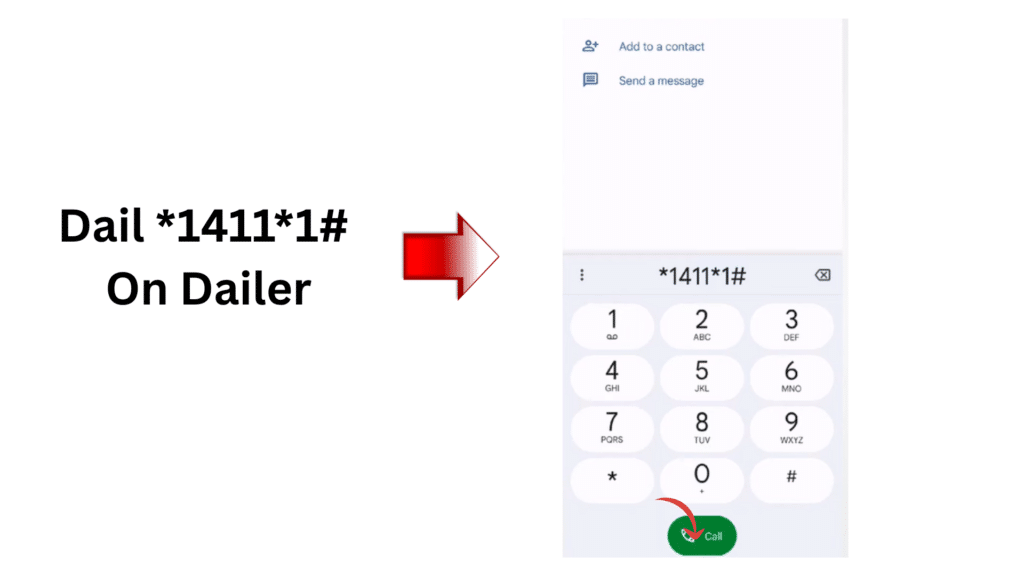
Step 1: Open Your Phone Dialer
Launch the dialer application on your phone at a time when you thought you were making a call.
Step 2: Dial the Mobily USSD Code
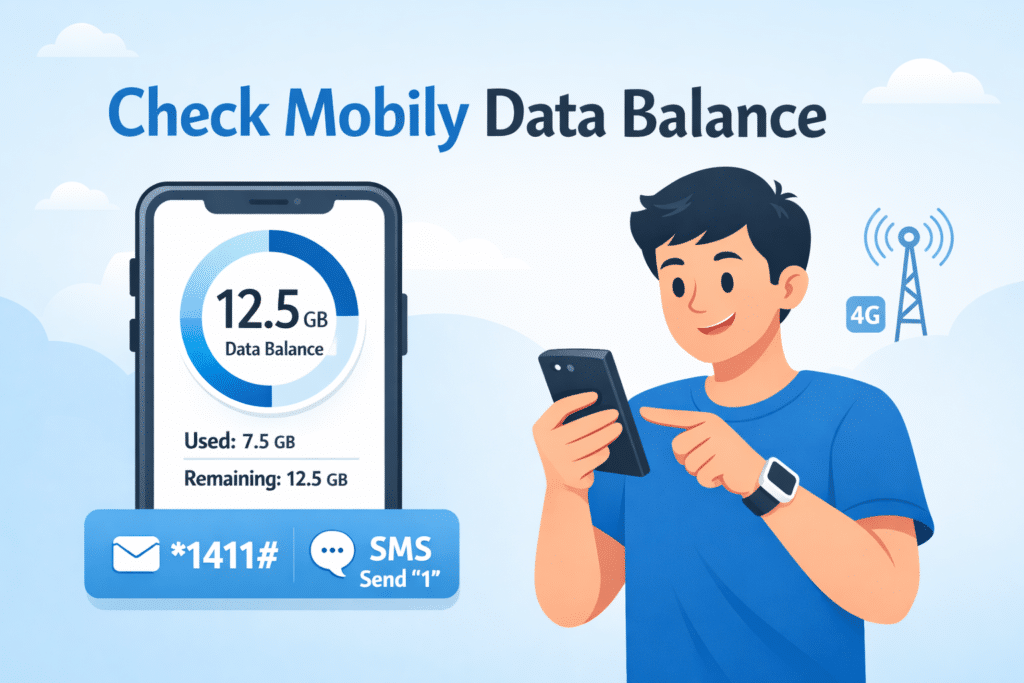
Enter the code: *1411#
Step 3: Press the Call Button
Tap the call button to send the USSD request.
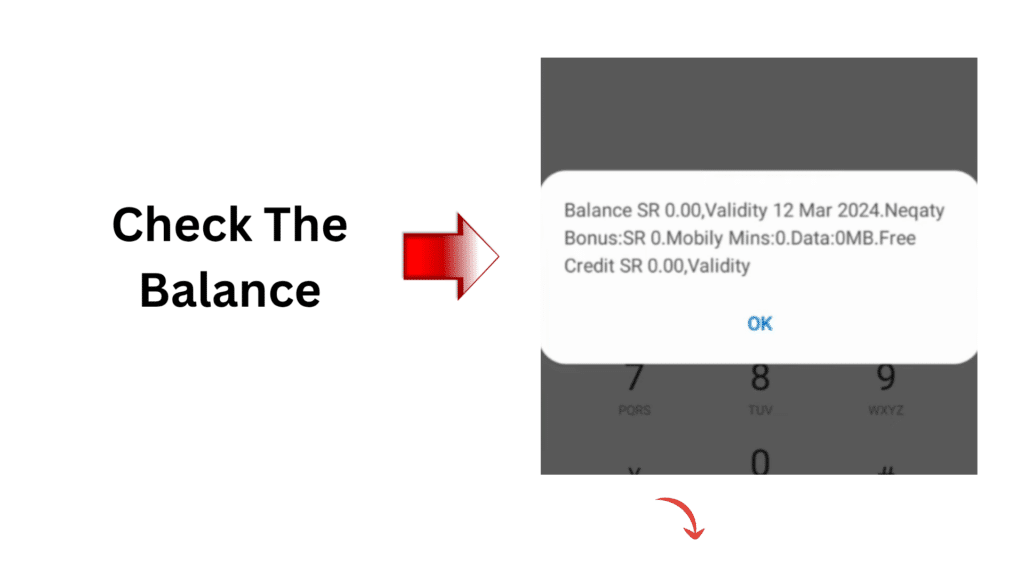
Step 4: View Your Balance
The balance of your data will be displayed on your screen at once.
Why This Method is Recommended:
- Fast and easy
- Works on all phones
- No internet required
- Available 24/7
Read Also: Police Clearance Certificate Saudi Arabia – Step-by-Step 2026
Method 2: Check Mobily Data Balance via SMS
Postpaid lines work a little differently. Instead of dialling a code, Mobily asks postpaid customers to send a blank text to 1411, and a reply comes back with the data you have left. For the full picture – your bill and when your package renews – the Mobily App shows everything on one screen, and it’s also where you can add extra data if you’re running low.
Another easy way is through SMS, checking your balance, an ideal way to use it when you like text messages.
Step 1: Open Your SMS App
Open up your phone messaging app.
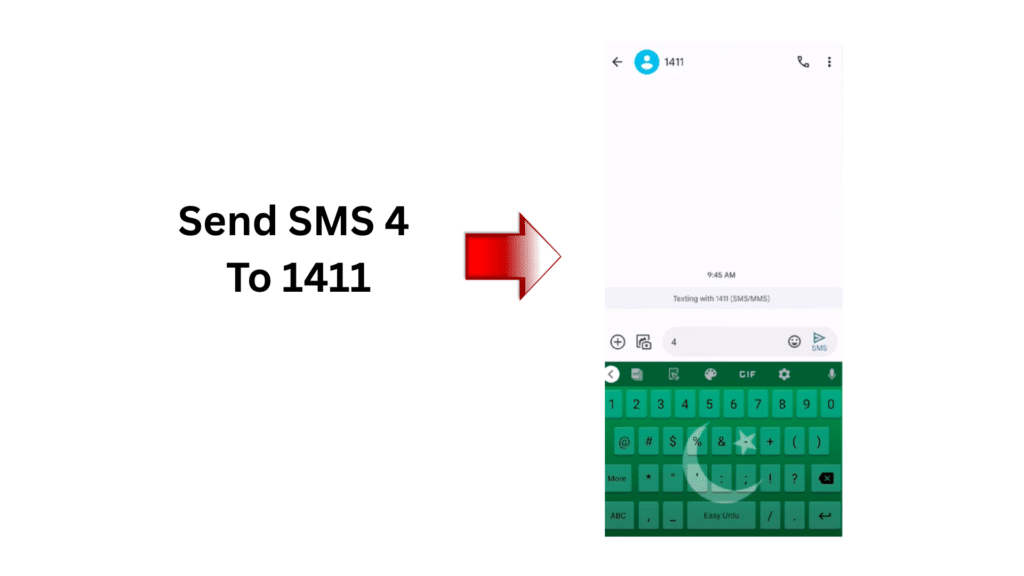
Step 2: Compose a New Message
Postpaid users can leave the message body blank.
Step 3: Send to Mobily SMS Number
Send it to 1411.
Step 4: Wait for a reply
This will send you a message about the amount of data left.
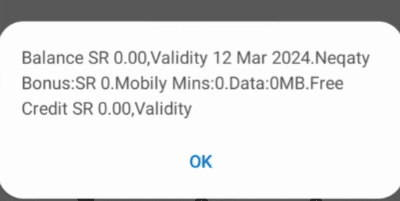
Benefits of the SMS Method:
- Simple and easy
- No internet required
- Quick and reliable
Method 3: Check Mobily Data Balance Using My Mobily App
My Mobily App lets you see a breakdown of your account balance and information.
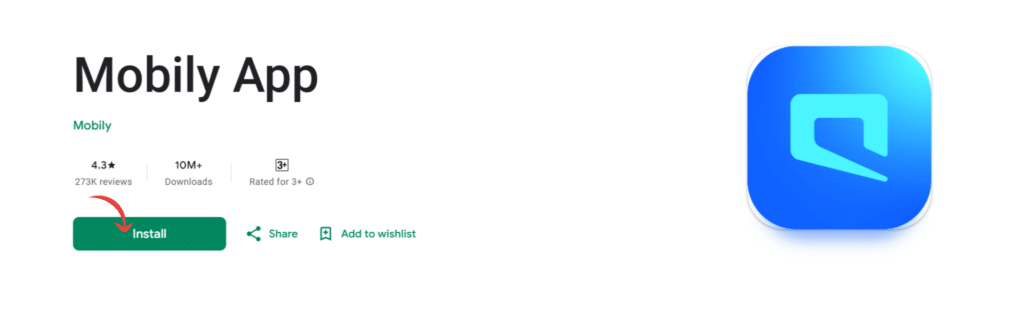
Step 1: Download and Install the App
Get the Mobily App on Google Play Store or the Apple App Store.
Step 2: Open the App
Open the application on your phone.
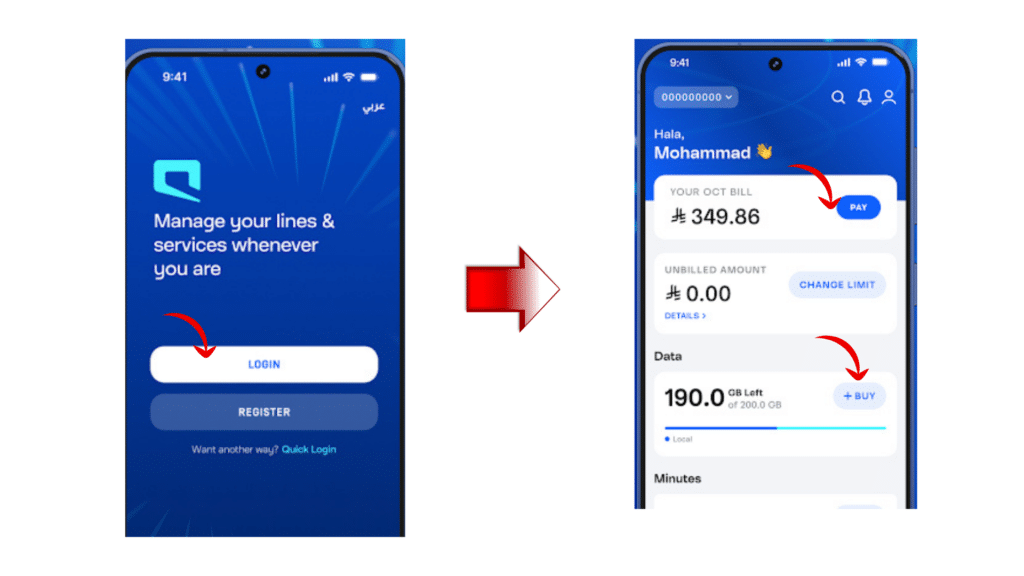
Step 3: Log in to Your Account
Enter your Mobily credentials to access your account.
Step 4: Go to the Dashboard
Your remaining data, plan validity and usage are shown in the dashboard.
Advantages of Using the App:
- Shows detailed usage statistics
- Tracks package expiry
- Allows account management
- User-friendly interface
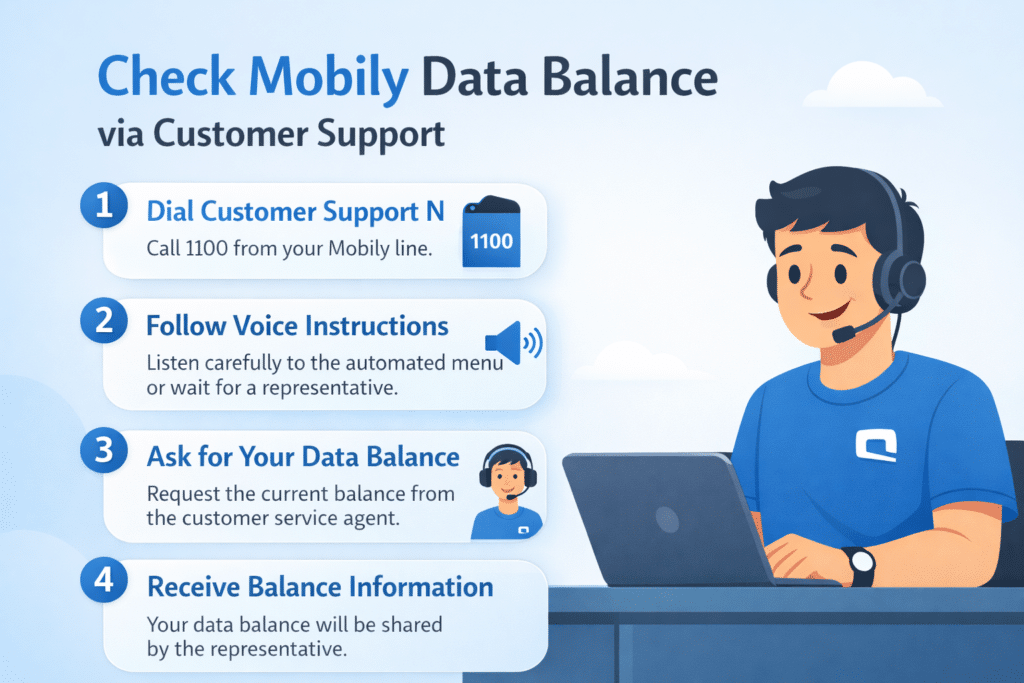
Method 4: via Customer Support
The next strategy is to reach out to Mobily customer support in case other alternatives are not provided or fail.
Step 1: Dial Customer Support Number
Call 1100 from your Mobily line.
Step 2: Follow Voice Instructions
Heed the automated menu or wait to speak with a representative.
Step 3: Ask for Your Data Balance
Request the customer service representative to inform you of the existing balance.
Step 4: Receive Balance Information
The representative will share your data balance.
Why This Method is Useful:
- Effective when other techniques have been tried.
- Provides complete account information
- Help from a human representative.
How to Check Mobily Data Balance for Prepaid Users
Prepaid users can use all methods:
- USSD code (*1411#)
- Mobily App or the Mobily website
- My Mobily App
- Customer Support (Call 1100)
How to Check Mobily Data Balance for Postpaid Users
Postpaid users can also use the same methods:
- USSD code
- SMS
- My Mobily App
- Customer Support
Postpaid lines check by sending a blank SMS to 1411, while *1411# is the code Mobily gives for prepaid lines.
Common Issues When Checking Mobily Data Balance
Sometimes users face minor issues while checking their balance.
USSD Code Not Working
- Restart your phone
- Check network coverage
- Try the SMS or app method
SMS Not Received
- Wait a few minutes
- Ensure the signal is strong
- Try USSD code instead
My Mobily App Not Working
- Update the app to the latest version
- Clear app cache
- Reinstall the app if necessary
Tips to Save Mobily Data
To maximize your Mobily data usage:
- Turn off background apps
- Use Wi-Fi whenever available
- Reduce video streaming quality
- Disable auto-downloads
- Monitor data regularly
Using another network too? See how to check your STC SIM number, the full list of Friendi mobile codes in Saudi Arabia, or how to check which SIMs are registered on your Iqama.
FAQs About Mobily Data Balance
What is the way to check my Mobily data balance?
You can use USSD code, SMS, My Mobily App or call 1100.
What is the Mobily balance check code?
The code is *1411#.
Is it possible to monitor Mobily data balance online?
Yes, through My Mobily App or through the Mobily site.
Is checking the balance free?
Checking through the app, the website or *1411# normally costs nothing, but ask Mobily first if you’re roaming.
Does this apply to prepaid users?
Yes, they all are effective with prepaid users.
Read Also: How to Pay Fines in Saudi Arabia (Absher, ATM, Gov.sa)
Final Words
Checking your Mobily data balance in Saudi Arabia is quick and easy. Dialling is the quickest and simplest way dialing *1411#, and you can also use SMS, My Mobily App, or Customer Support.
You can check your balance regularly by checking, which will help you:
- Avoid unexpected data interruptions
- Save money on extra charges
- Manage your data plan efficiently
It is the best and most useful guide for checking Mobily data balance in Saudi Arabia because you can see all the information that you require in a single location.