
Last updated: September 2026 – codes and support options tidied.
You live in Kuwait and have forgotten your SIM number in Ooredoo? This is a problem for many users in Kuwait, particularly when they purchase a new SIM or change phones. The good news? You can check your Ooredoo number in Kuwait within seconds using simple methods like USSD codes, apps, or customer support.
In this complete 2026 guide, you’ll learn 3 easy and working methods to find your Ooredoo number quickly—even without a balance or internet.
How to Check Your Ooredoo Number in Kuwait
The 3 best ways to verify your Ooredoo number in Kuwait. These are quick, dependable, and can be used by anyone regardless of whether he or she has access to the internet or not.
Method 1: Check Ooredoo Number Using USSD Code (Fastest)
This is the quickest and most reliable method.
Steps:
- Open your phone dialer
- Dial
*777#or*129#
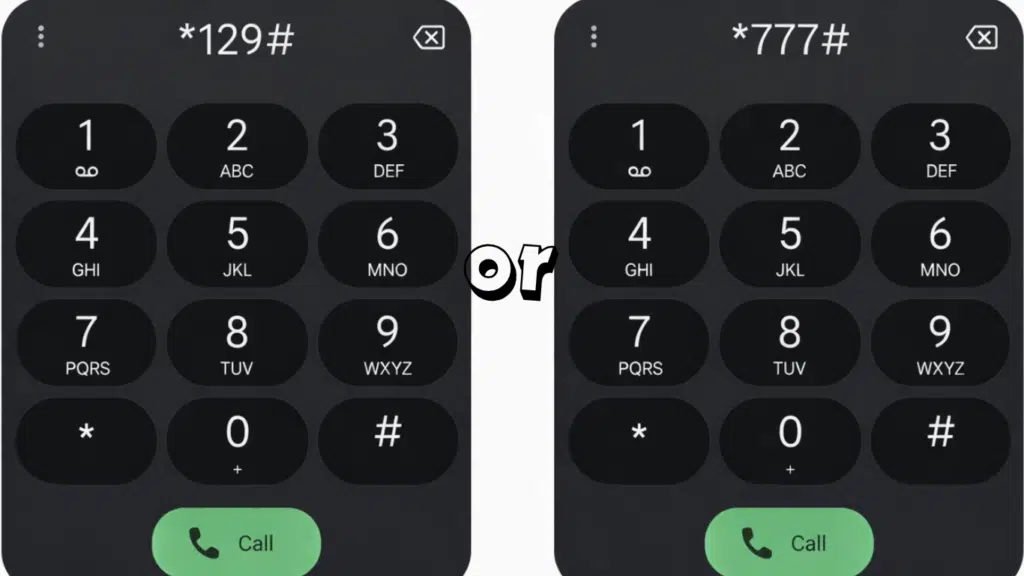
- Press the call button
- Your number will appear instantly
Benefits:
- Works without internet
- Works without balance
- Takes less than 10 seconds
Method 2: Check via Ooredoo Mobile App
If you use a smartphone, this method is very convenient.
Steps:
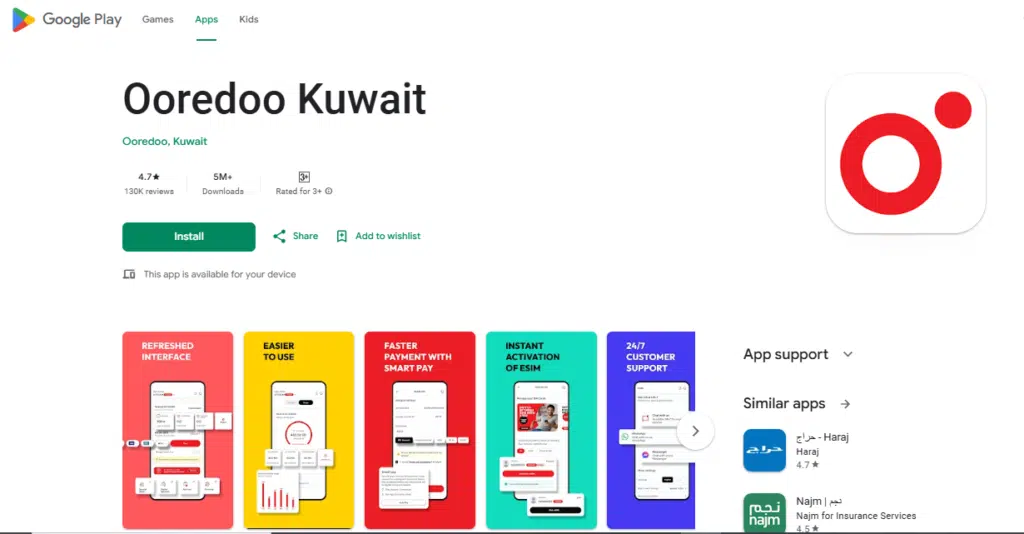
- Download or open the Ooredoo app
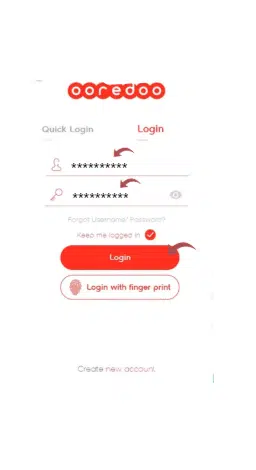
- Log in to your account
- Your number will be displayed on the dashboard
Benefits:
Easy and user-friendly
Requires internet
Method 3: Check via WhatsApp or Live Chat Support
Ooredoo offers customer support via chat.
Steps:
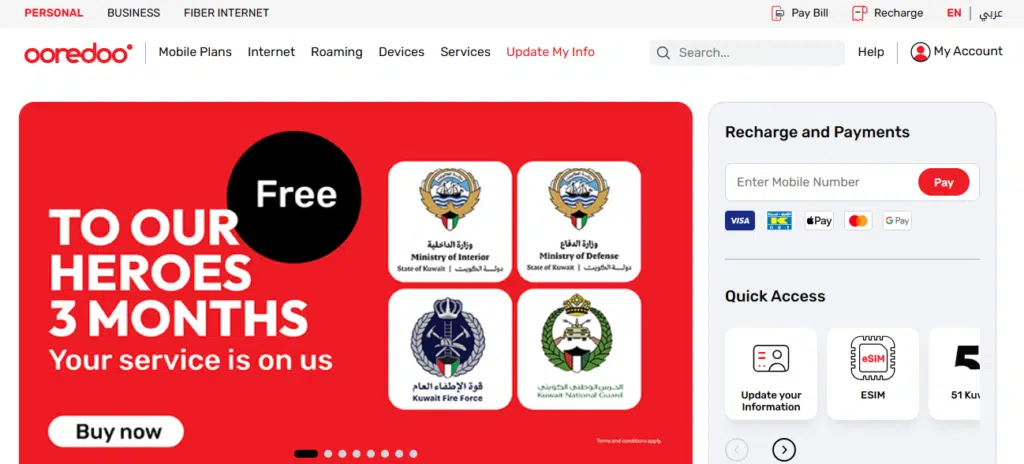
- Visit the official Ooredoo Kuwait website
- Open Live Chat or WhatsApp
- Ask: “What is my number?”
- Verify your identity
- Receive your number
Benefits:
Works even if the SIM is not in the phone
May take a few minutes
Comparison Table:
| Method | Internet Needed | Balance Needed | Time | Best For |
|---|---|---|---|---|
| USSD Code | ❌ No | ❌ No | 10 sec | Everyone ⭐ |
| Mobile App | ✅ Yes | ❌ No | 1 min | Smartphone users |
| WhatsApp/Chat | ✅ Yes | ❌ No | 2–5 min | Support help |
Troubleshooting
USSD Code Not Working?
- Check network signal
- Restart your phone
- Try the alternative code
*129#
SIM Not Detected?
- Reinsert SIM
- Try another phone
No Balance?
Use USSD or app (no balance required)
SIM Inactive?
Visit the Ooredoo store with your Civil ID
Which Method is Best?
Best Overall: USSD Code (*777#)
Best Without SIM Access: WhatsApp Support.
Best if your SIM is inactive: an Ooredoo store (bring your Civil ID).
Frequently Asked Questions (FAQs)
What is the Kuwait Ooredoo number check?
To find your Ooredoo number, dial *777# (or *129# as a backup) on your phone. Your number will be immediately displayed on the screen.
How can I check my Ooredoo number without balance?
Yes, you can check your number with no balance by dialling the USSD code *777#, which normally works even without credit.
Can I check my Ooredoo number online?
Yes, you can check your number online by enrolling in the Ooredoo mobile application or by messaging customer care through live chat or WhatsApp.
How do I find my Ooredoo number if my SIM is inactive?
Remember that you should visit the nearest Ooredoo office in case your SIM is not active and ask the customer support to issue you with the number using your Civil ID.
Is it possible to check my Ooredoo by calling somebody?
Yes, all you have to do is call or send an SMS to another phone, and your number will be displayed on their screen.
Does Ooredoo have an application to check my number?
Yes, you can check your number in the official Ooredoo app after signing in to your account.
Read Also: Kuwait Civil ID Inquiry: Check Validity Online in Minutes
More for Kuwait residents: stc balance check in Kuwait, Kuwait Civil ID inquiry, and the Kuwait Civil ID guide.
Final Words
It does not necessarily need to be tricky to find your Ooredoo number in Kuwait. You can dial the USSD code for an instant answer or use the Ooredoo app, or you can use WhatsApp or in-store assistance, and you will always find a fast solution.
The trick is that any of the methods is to apply the method that suits your circumstances, i.e., USSD is quicker, the app is easier, and support is needed in special situations. Using this guide, you will not worry about forgetting your number.