Looking for an easy and non-confusing way to check your Civil ID name online? With today’s digital age, confirming Civil ID information is an unavoidable requirement for both residents and expatriates, particularly in Kuwait. Your name in your Civil ID should be correct and registered for any government services, banking, travel, or official documentation. A minor spelling error can cause big problems in verification and approval procedures.
This ultimate Civil ID name check online guide will help you understand how to check civil ID information most easily and correctly.
What is Civil ID Name Check Online?
Online checking of the registered name associated with the Civil Identification number is called a civil ID name check online.
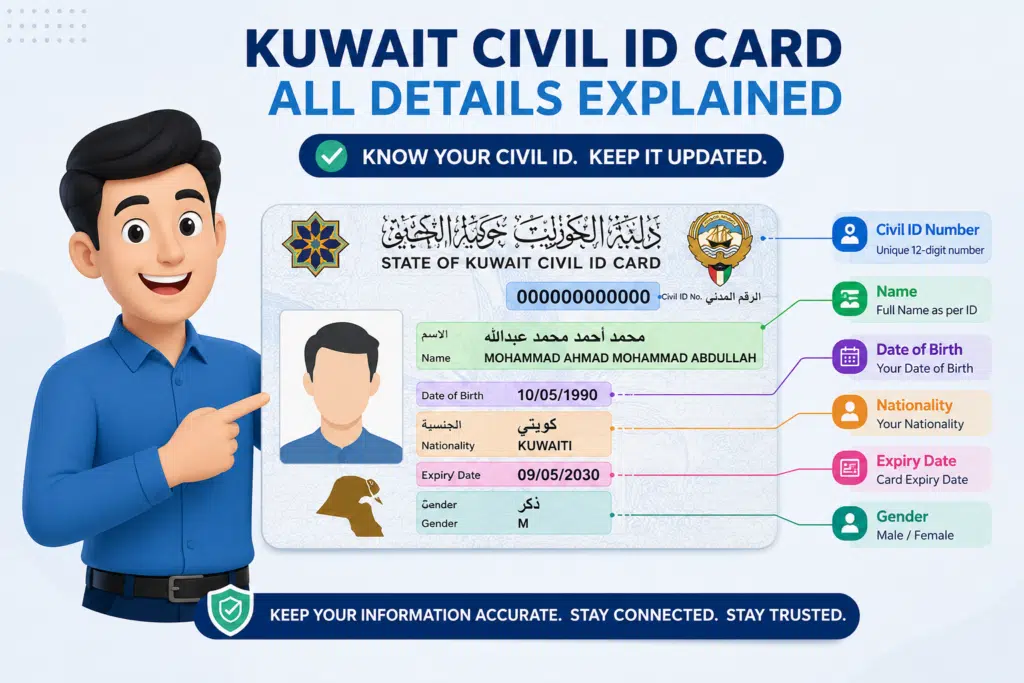
In most countries, like Kuwait, the Civil ID is a key identity document issued by government authorities. It contains:
- Full name of the individual
- Civil ID number
- Nationality
- Date of birth
- Residency status
Why Civil ID Name Check is Important
It is not enough to simply check the name of your Civil ID online; it is a crucial verification process.
1. Avoid Identity Errors
A name that’s misspelled or in the wrong format may cause you to be rejected in official applications.
2. Required for Government Services
Most of the services demand a precise Civil ID match for approvals.
3. Banking and Financial Use
Banks verify your identity using Civil ID data before opening accounts or approving transactions.
4. Travel and Visa Processing
The accurate management of identity records is essential to the functioning of airlines and immigration systems.
5. Legal Documentation
Name records are essential for contracts and licenses, as well as employment documents.
Read Also: 106 Bus Route Kuwait: Timings, Stops & Fare Guide
How to Check Civil ID Name Online Using Kuwait Mobile ID
Please carefully consider and follow these simple steps:
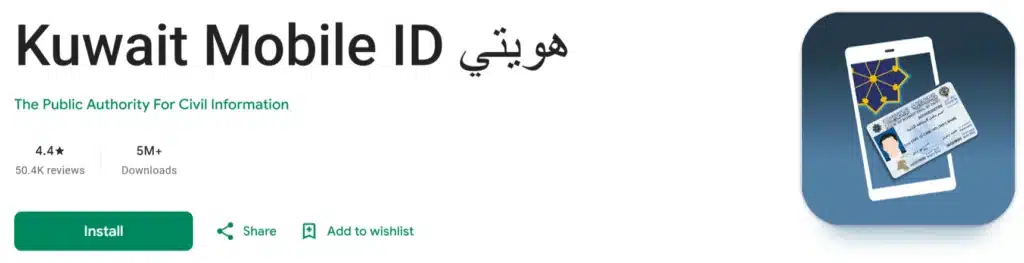
Step 1 – Download the Kuwait Mobile ID App
Install the official Kuwait Mobile ID application that is available from the mobile stores (Google Play Store or Apple App Store).
Step 2 – Open the Application
Once installed, use the app on your phone and grant the required permissions to access securely.
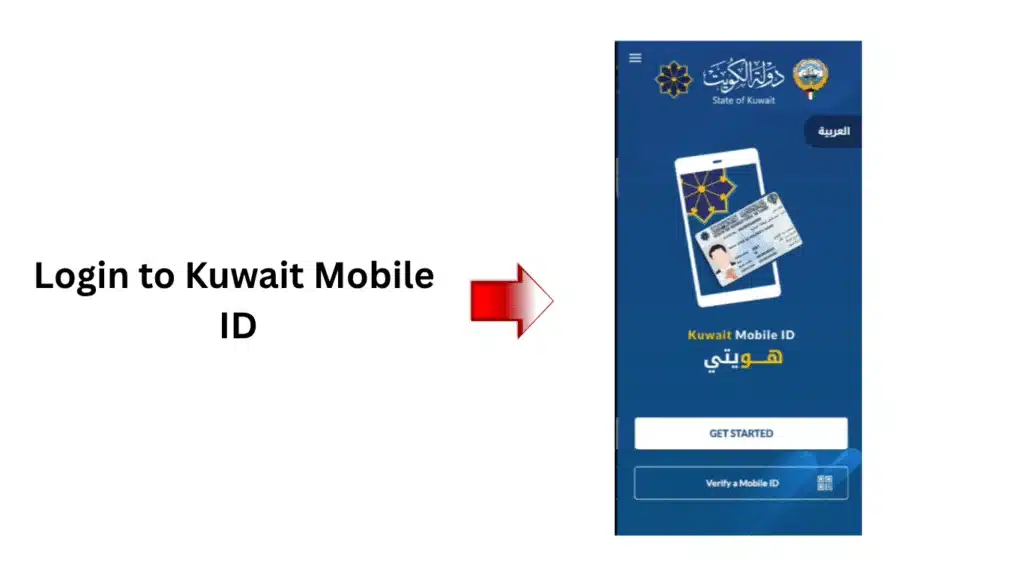
Step 3 – Register or Log In
You will need to:
- Please enter your Civil ID number
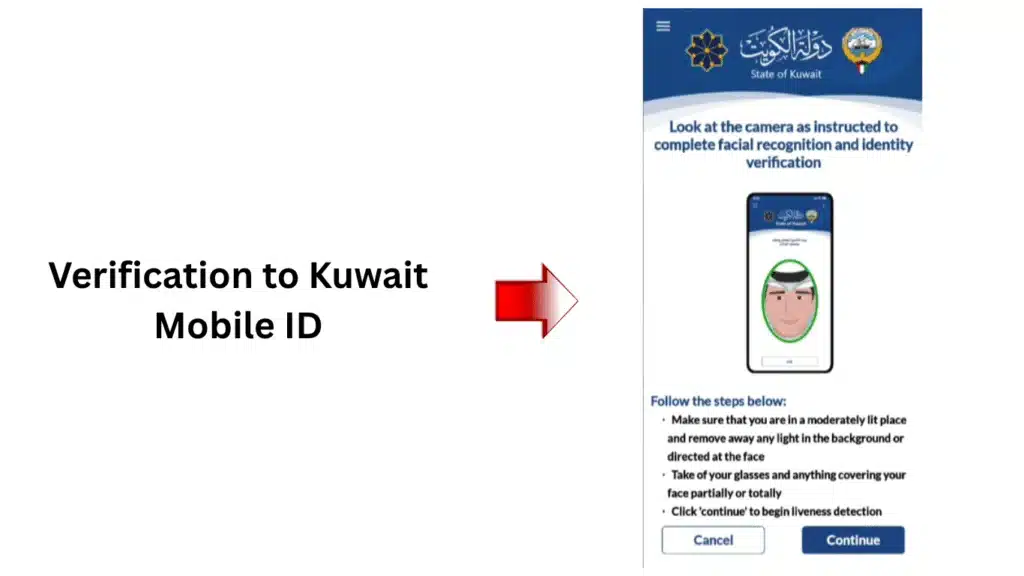
- Check identity with OTP (One-Time Password)
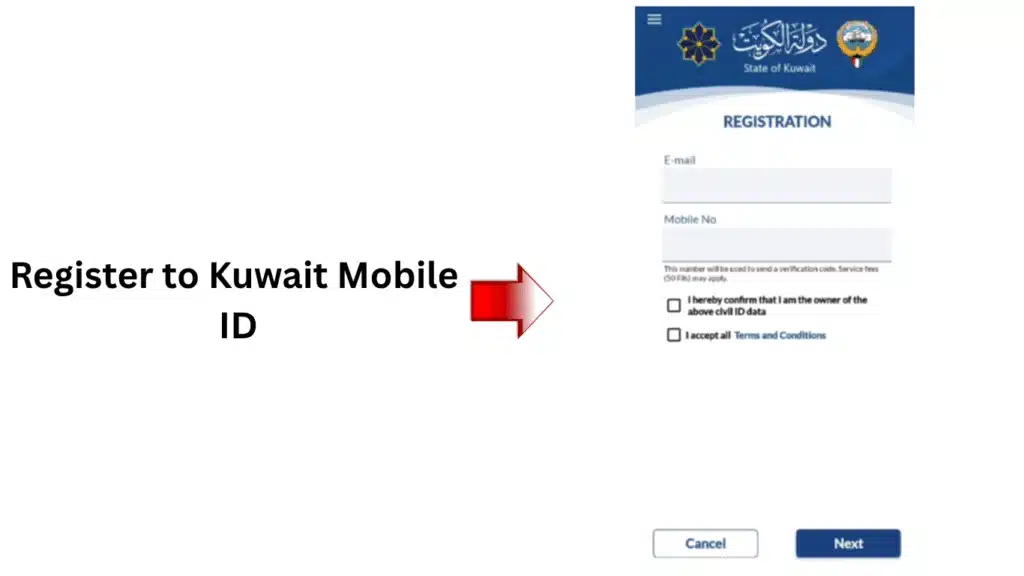
Step 4 – Access Your Digital Civil ID
After logging in, tap on “Civil ID Details” within the app.
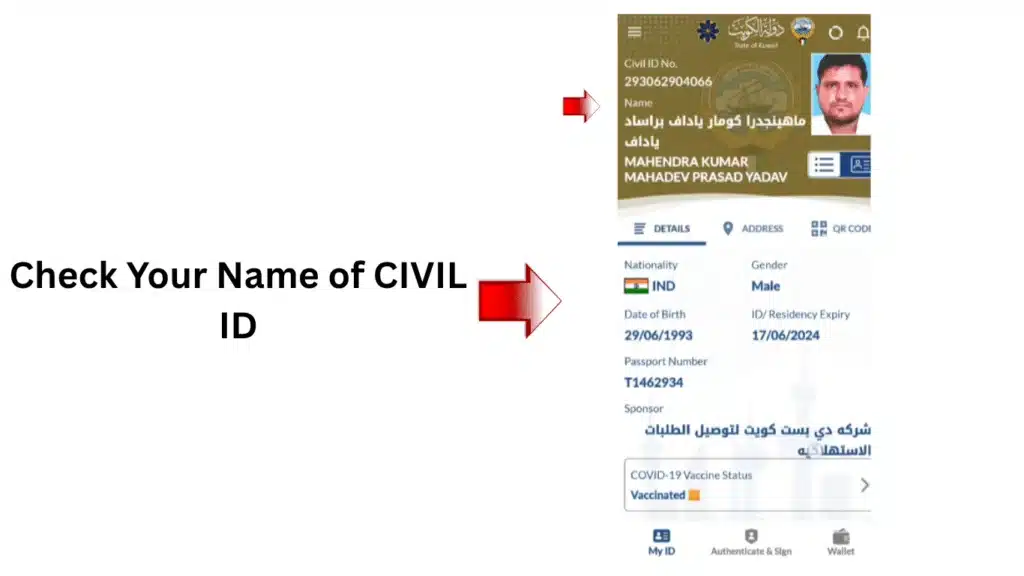
Step 5 – Check Your Registered Name
You’ll clearly see on your Civil ID profile:
- Full registered name
- Civil ID number
- Personal details
- Validity information
Common Problems and Solutions
1. Invalid Civil ID Number Error
This error may show up if the Civil ID number is not recognized by the system.
Common Reasons
- You entered an invalid Civil ID number.
- Numbers missing or added in the sequence
- Typing mistakes
How to Fix It
- Carefully re-enter all 12 digits.
- Try not to include spaces or symbols
- You can see the number straight from your Civil ID card.
2. Name Showing Incorrectly
Occasionally, the name shown is not the one that appears on your passport or on your record of residence.
Common Reasons
- Outdated government records
- Recent updates are still processing
- Arabic and English spelling differences
How to Fix It
- Check that your information is the same as in your passport
- Use both Arabic and English spellings.
- Wait 24-72 hours after updating information
3. Civil ID Website Not Loading
Either the Civil ID checking website becomes slow, or it is not available.
Common Reasons
- Heavy traffic on the website
- Server maintenance
- Weak internet connection
How to Fix It
- Wait a few minutes before refreshing the website.
- Connect to a reliable and stable internet connection.
- Use other browser, such as Chrome or Edge
4. Information Mismatch Between Documents
Your civil ID information may not correspond with your information from your passport or visa.
Common Reasons
- Passport renewal
- Residency transfer
- Incorrect personal information
- Old records still active
How to Fix It
- Double-check all information for personal items.
- Make sure that residents’ records are kept current
- Seek advice from the appropriate agency for rectification.
Frequently Asked Questions (FAQs)
1. How to look up the Civil ID name online?
It can be verified at the official Civil ID website with personal information and Civil ID number.
2. Does a web-based Civil ID name check cost money?
Yes, most government portals offer this service free of cost.
3. Can I correct my Civil ID name online?
Many times you can ask for corrections online or in official service centers.
4. What should I do if my name is incorrect?
It is recommended to immediately notify the appropriate authority and provide the correction documents.
5. What is the time needed to update the details of Civil ID?
This normally requires a couple of working days to a couple of weeks, depending on the request.
Read Also: Oman Resident Card 2026: Fees, Process & Requirements
Final Thoughts
One of the most crucial steps to ensure that identity information is accurate and up to date is to check your Civil ID name online. As the world becomes more digital, it’s crucial to have accurate Civil ID data for financial, travel, employment, and legal transactions.
In this guide, you can easily check your Civil ID name without the slightest confusion or mistake. Use official portals, maintain accurate information, and review regularly to prevent future issues.