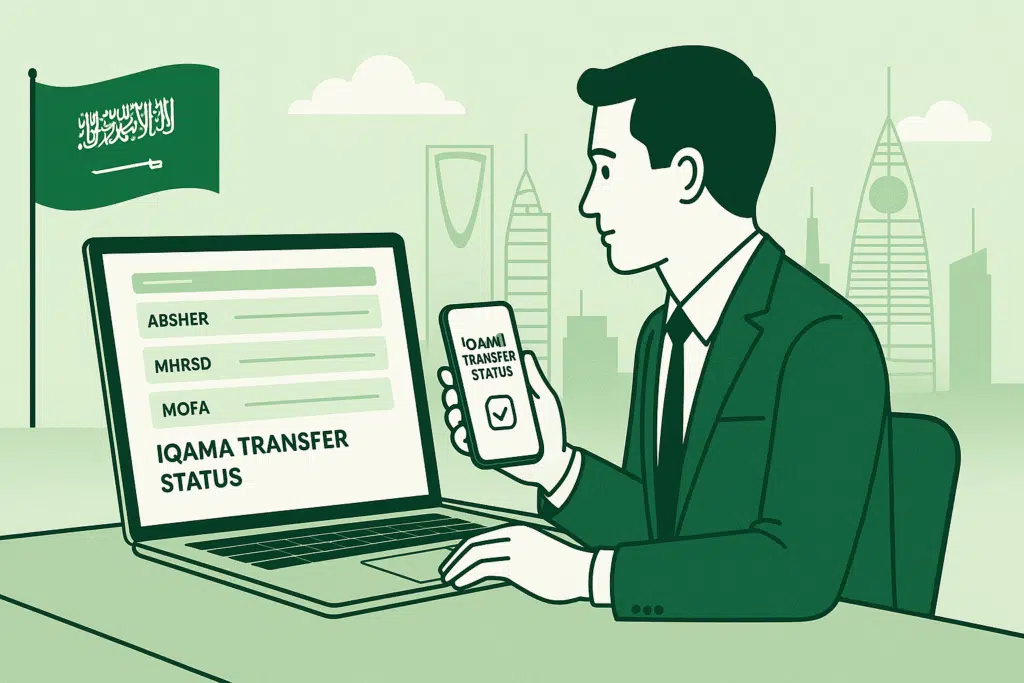
Being an expatriate in Saudi Arabia, you should understand how to check the status of your iqama transfer of your checks. Whether your sponsors are relocating, you are changing employers, or you simply wish to keep track of your transfer request, keeping pace would save you time, prevent litigation, and make the transfer an easy affair.
In this guide, I will show you exactly how to check the Iqama transfer status online using:
- Via MHRSD
- Via Absher
You will get to know about the step-by-step instructions, tips to avoid most of the common errors, and how to easily know if the status of your transfer of credit card is approved, pending or rejected.
What is an Iqama Transfer?
The official procedure in Saudi Arabia is to check the iqama transfer status, where an expatriate worker may change his/her employer (Kafeel). Your Iqama, the residency permit, will be annexed to the individual who is sponsoring you, and any change in occupation or sponsorship must be approved by the Saudi authorities.
Methods to check the iqama transfer number
Method 1: Through the MHRSD Website
- Visit the MHRSD Website
- Go to the official MHRSD website: https://www.mlsd.gov.sa.

- Access Electronic Services
- From the homepage, choose “Electronic Services” (الخدمات الإلكترونية) to view all available options for expatriates.
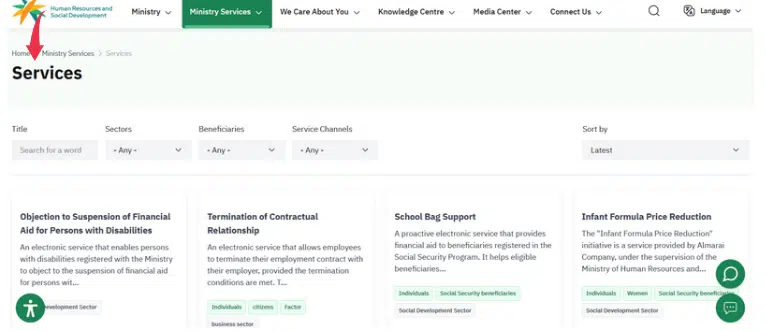
- Select Transfer of Expatriate Worker Service
- Click on “Transfer of Expatriate Worker Service” (خدمة نقل خدمة عامل وافد). The status of the transfer request you made can be checked on this service.
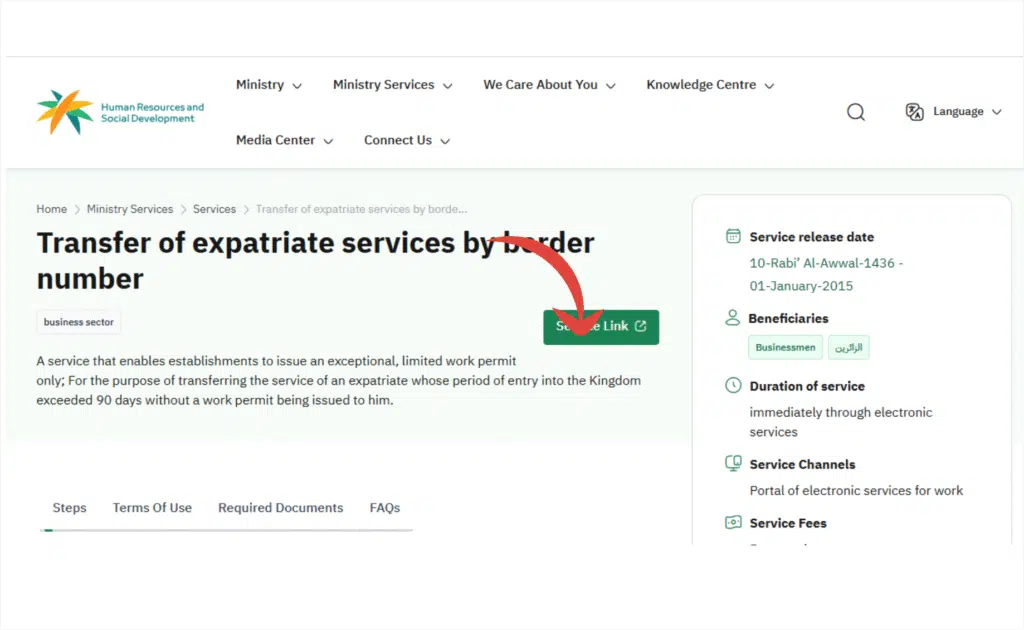
- Enter Your Iqama Number and Verification Code
- Enter your Iqama number and captcha authentication number where required.
- Click on Search (بحث)
- After clicking search, the status of the transfer request will be displayed. This could include:
- Under Process: Your request is under consideration.
Read Also: Avoid Late Fees: How to Pay STC Bill Online Fast (2026)
Method 2: Through the Absher Website
Another government-supplied official portal called the Absher portal will help you monitor your transfer online. Here is the way I show you how to use it effectively.
Step-by-Step Guide
- Visit the Absher Portal
Open your browser and go to https://www.absher.sa.
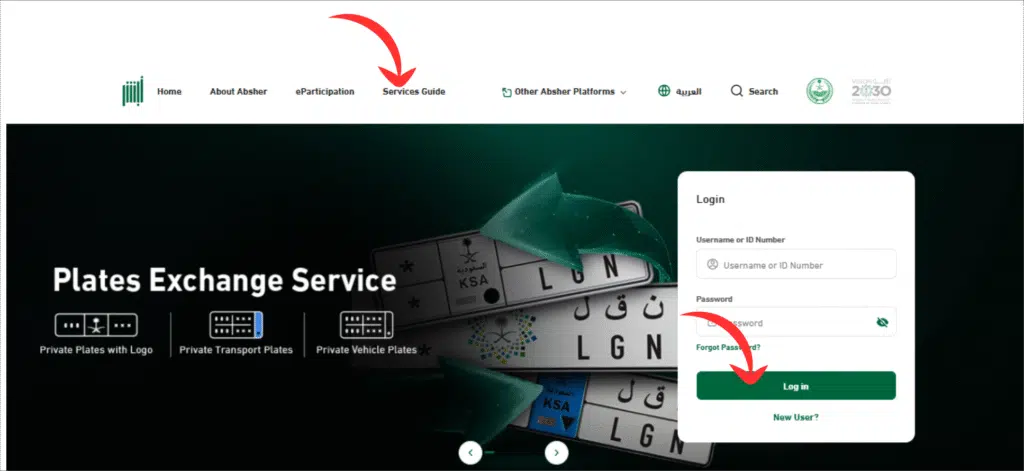
- Log in to Your Account
Log in using your Iqama number/User ID and password.
- Navigate to “Passport Services”
From your dashboard, go to:
My Services → Inquiries → Passport Services.
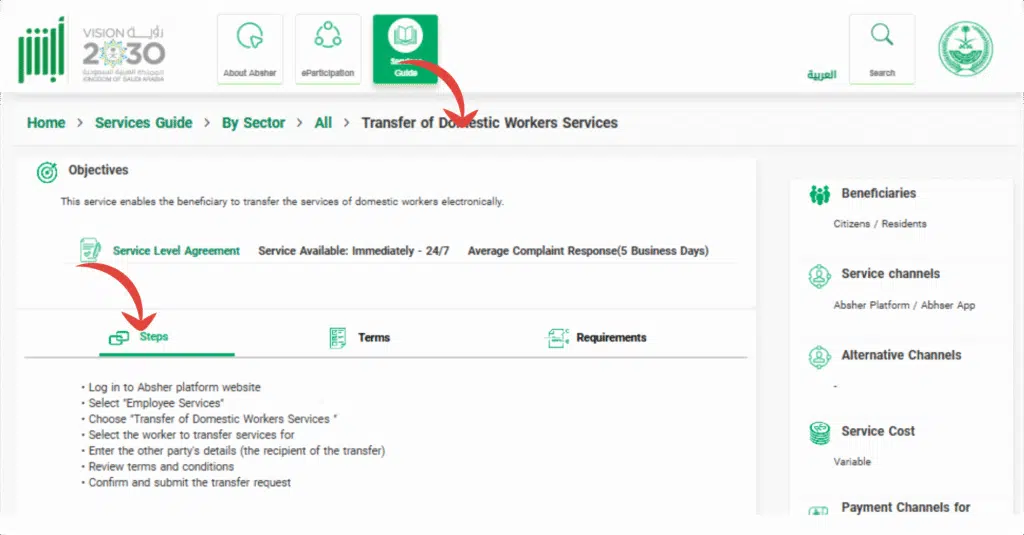
- Select Sponsorship Transfer Inquiry
Click on “Sponsorship Transfer Inquiry” to see details regarding your current sponsor (Kafeel) and the status of your transfer request. - Understanding Absher Transfer Sta
Read More: How to Update Iqama in SNB Online
Tips for a Smooth Iqama Transfer
To make your request to transfer go smoothly, I want you to consider these practical tips:
- Verify Documents: Ensure all the documents provided to the transfer are correct.
- Check Eligibility: Certain transfers need a minimum period with your present sponsor.
- Follow Up: Once a month, check the status online to prevent surprises.
- Contact Support: In case of errors or ambiguity of statuses on the online platforms, speak to MHRSD or the Absher support.
Frequently Asked Questions
Where can I ensure that the check iqama transfer status has been done?
It is available online in MHRSD and Absher under your Iqama number.
Duration of approval?
Government processing normally requires a couple of days to several weeks.
What does “Pending” mean?
The authorities are still looking into your request.
What would happen in the case of rejection of my transfer?
Get in touch with your existing sponsor or HR and clear up the problem, and reapply.
Read More: Check SIMs on Your Iqama (2026)
Final Words
On Absher, MHRSD, one simply needs to verify the transfer of the Iqama through the internet. Checking your transfer every now and then will mean that your request will be approved or pending and even rejected in good time, there will be no legal complications, and your job is not lost.
You should never forget to ensure that your documents and account information are up-to-date in case you are in a position to avail you a hassle-free transfer.