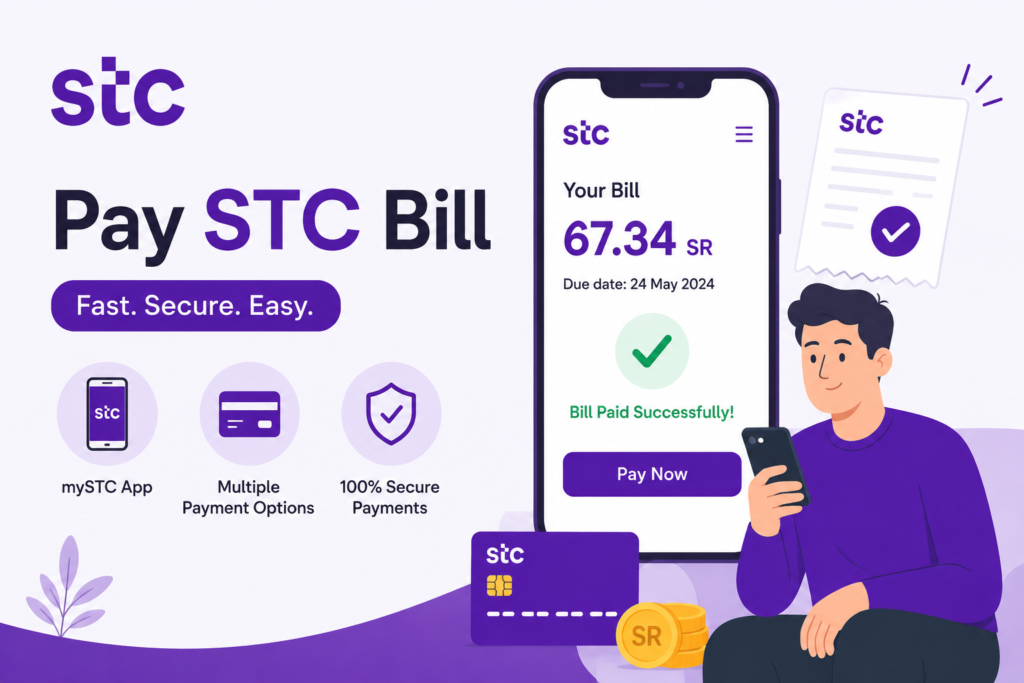
Do you want to pay your STC bill online in Saudi Arabia in the easiest way? If yes, you are at the right place. It is also important to pay your STC (Saudi Telecom Company) bill on time so that you do not have to face inconveniences caused by having to pay late fees and avoid an entire lot of unwarranted stress. Little is known by many users that STC has various internet payment systems that are fast, secure, and can be done anywhere.
In this how-to guide, I will show you stepwise how you can pay your STC bill online through three sure methods.
- STC Official Website
- MySTC App
- Internet Banking
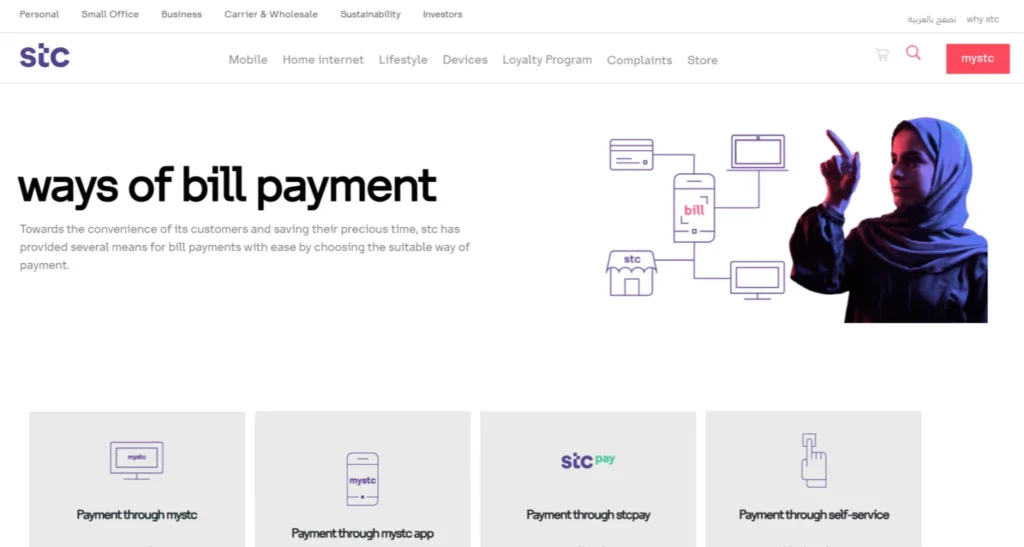
Method 1: Pay STC Bill Through STC Website
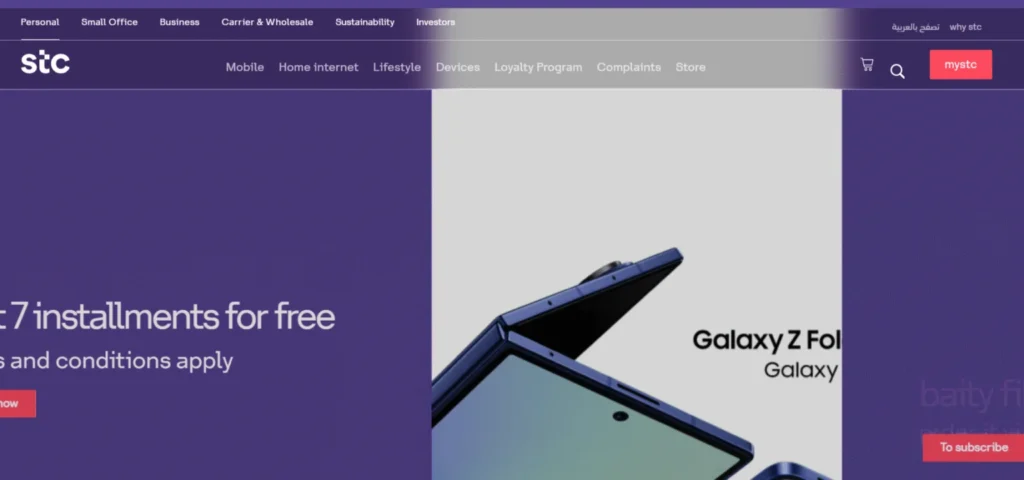
Step 1: Visit the STC Website
- Open your browser and visit the official site: www.stc.com.sa.
- On the homepage, click on Bills & Payments.
Step 2: Enter Your STC Account
- Enter your STC number or account ID.
- The system will retrieve your bill balance.
Step 3: Make the Payment
- Select Pay Now.
- Choose your payment method:
- Credit Card
- Debit Card
- Mada
- Apple Pay
- Enter your card details and confirm.
Read Also: New Iqama Issued or Not? 3 Easy Ways to Check (2026)
Method 2: via the MySTC App
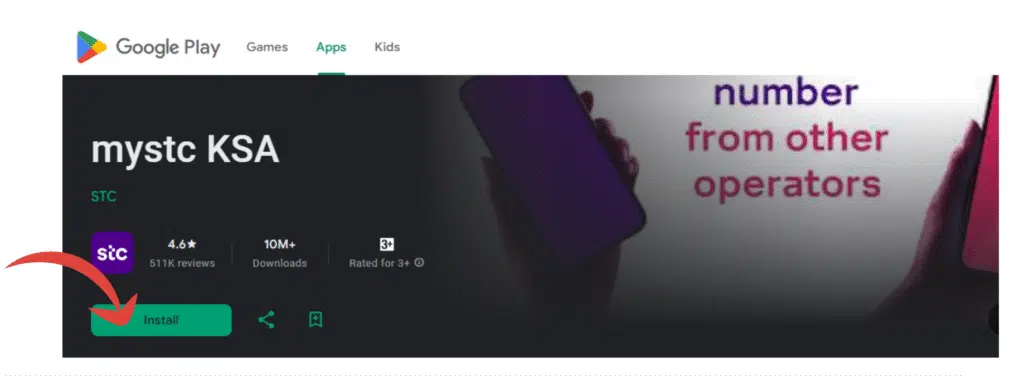
Step 1: Download and Log In
- Download the MySTC app from the Apple App Store (iPhone users) or Google Play Store (Android users).
- Install the app and open it.
Step 2: Check Your Bill
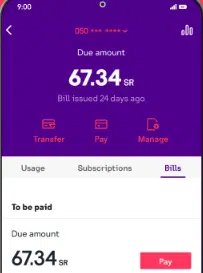
- After logging in, tap on the Bills section.
- Through this, you will view your remaining balance and date. Through this, you will view your remaining balance and date.
- The app also presents you with the details of what you used in the past and past bills.
Step 3: Pay the Bill
- Select Pay Now.
- Choose your preferred payment method:
- Credit Card
- Debit Card
- Mada Card
- Apple Pay
- Confirm the payment.
Method 3: Pay STC Bill Through Internet Banking
Step 1: Log In to Internet Banking
- Open the online banking portal of your bank on a computer, or open your mobile banking application.
- Enter your password and username.
Step 2: Go to the Bills Payment Section
- After logging in, locate the Bills Payment from the menu.
- It will appear in the SADAD Payments in most banks.
- Choose Telecom Companies.
- Select STC as the biller.
Step 3: Enter Account Details and Pay
- Enter your STC account number. This is located on your bill, on your MySTC app, or in your SMS notifications.) The bill amount will be fetched automatically from the bank.
- The bank will automatically fetch the bill amount.
- Verify the amount.
- Confirm and close the payment.
This is a highly convenient way to use when I am already logged into my bank to conduct other transactions. It saves me the bother of alternating between apps.
Frequently Asked Questions (FAQs)
1. How do I pay my STC bill online?
STC bill can be paid via the MySTC app, internet banking services of your bank, or the dedicated STC site with the use of debit card, credit card, Mada, or Apple Pay.
2. How will I do a bill payment online?
Open your bank application, or the application of your bank service provider, and in Bill Payments, choose the biller (such as STC), enter your account or phone number, and submit the payment.
3. Where do I pay my postpaid bill?
Access the MySTC app or the STC website, input your account/number, review the due bill, and pay with your choice of payment method securely.
4. What is the STC biller code?
The Saudi SADAD payment system STC biller code is 001.
5. What is the biller code? How to pay?
Log in to internet banking/ ATM, select SADAD Payments, insert biller code 001 in the pay to STC, enter your account number or mobile, and confirm payment.
Read Also: Apply Saudi Personal Visit Visa (2026) – Family & Friends Guide
Final Words
Online STC bill payment is easy, safe, and time-saving. I took you through three simple steps in this guide, which comprise the MySTC app, the internet banking portal of your bank, and the official home of STC site. Both options provide you with the freedom to select the approach that is most convenient to you.
You can now fully understand how to pay your STC bill online, regardless of your location or the device you are using. Keep up to date, keep in touch, and never again worry about missing payments.