- What is the UAE ID Card Status?
- Checking the status of the UAE ID Card online (Official ICP Method)
- Checking the UAE ID Status using the Mobile App
- Emirates ID Status Messages (Most Important Section)
- Additional Methods for Checking Your Emirates ID Status
- What is the Time taken to issue an Emirates ID?
- What to do in case of a delay in the delivery of the Emirates ID
- Advice on a Smooth locale of the UAE ID
- Frequently Aksed Questions (FAQs)
- Final Thoughts
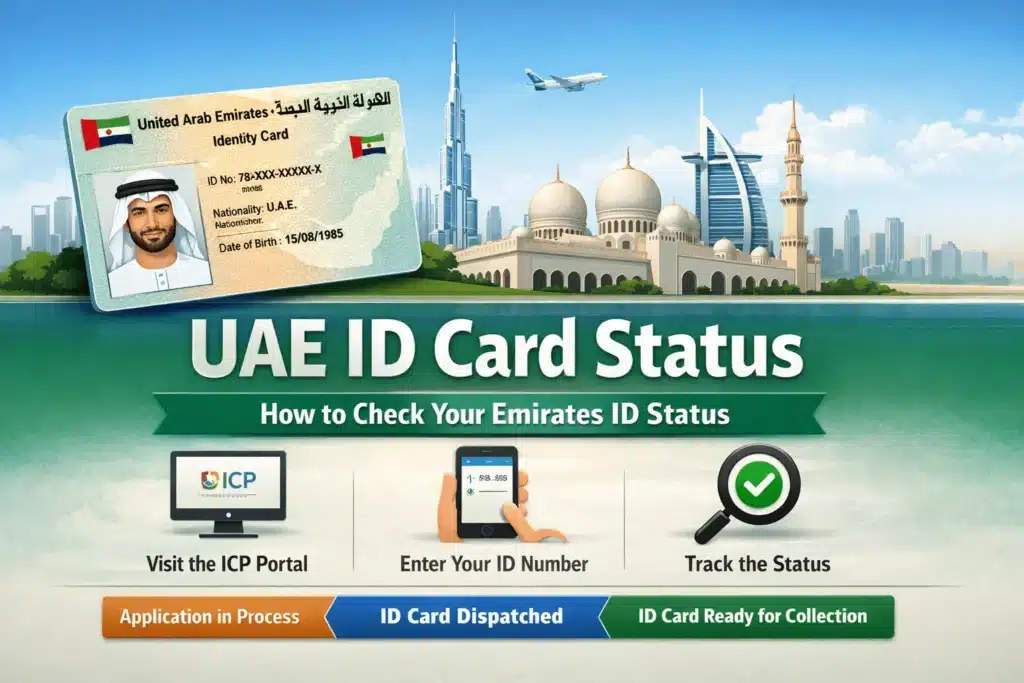
Emirates ID status indicates the status of your UAE citizenship ID application, renewal, or replacement process. Check your application on the official website of ICP (Federal Authority for Identity, Citizenship, Customs and Port Security), online using your PRAN No / Application No / Emirates ID No (if applicable). Emirates ID status indicates the status of your application depending on the type and stage of your application, either in process, approved, printed, dispatched, ready for collection, returned or rejected.
In this guide, you will find out how to check the status of your Emirates ID online, familiarize yourself with each of the updates that may appear in the status, understand the Emirates ID processing time, and what to do in case the status is delayed or rejected.
What is the UAE ID Card Status?
Test your UAE ID card status to show the level of your Emirates ID application.
Emirates ID is issued by the Federal Authority of Identity, Citizenship, Customs, and Port Security, also commonly known as ICA. It is required for:
- Employment and labor agreements.
- Residence visas
- Banking and SIM registration
- Travel and government services.
Finally, to be on the safe side, you can check your Emirates ID application status to avoid any surprise, delays, and penalties.
Checking the status of the UAE ID Card online (Official ICP Method)
The quickest and surest way is this.
Find UAE ID Status Online with ICA
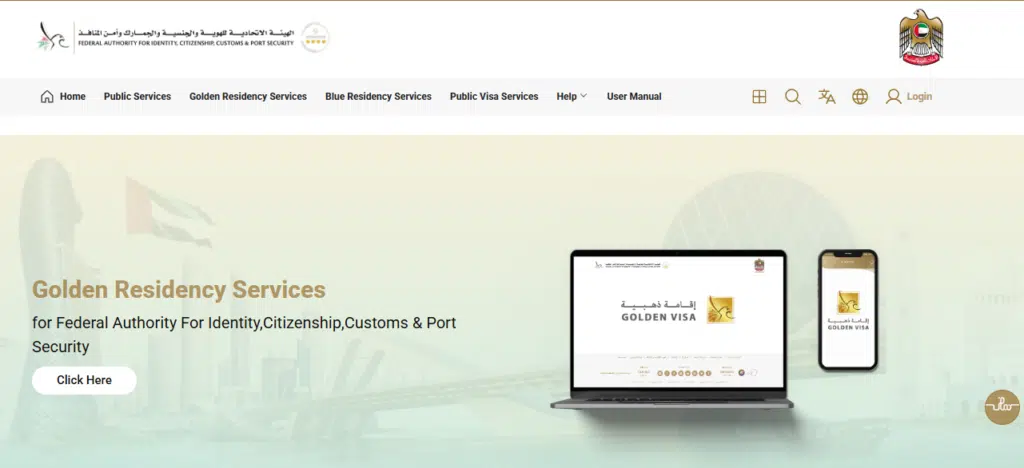
Your Emirates ID allows you to follow your account within a few seconds through the official ICP portal.
Steps
Go to Emirates ID Services
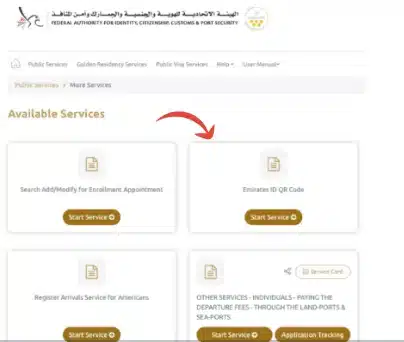
Select Check Application Status.
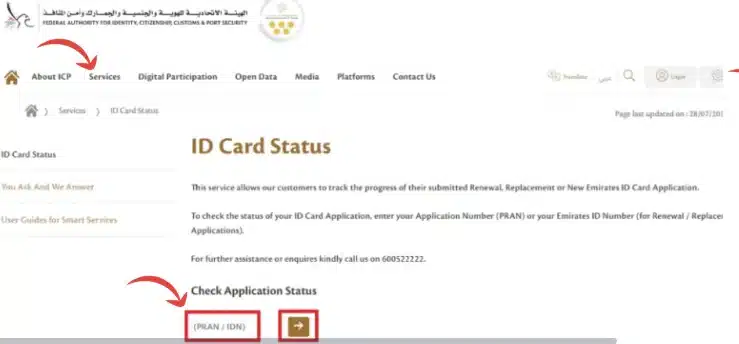
Write in your Application Number or Emirates ID Number.
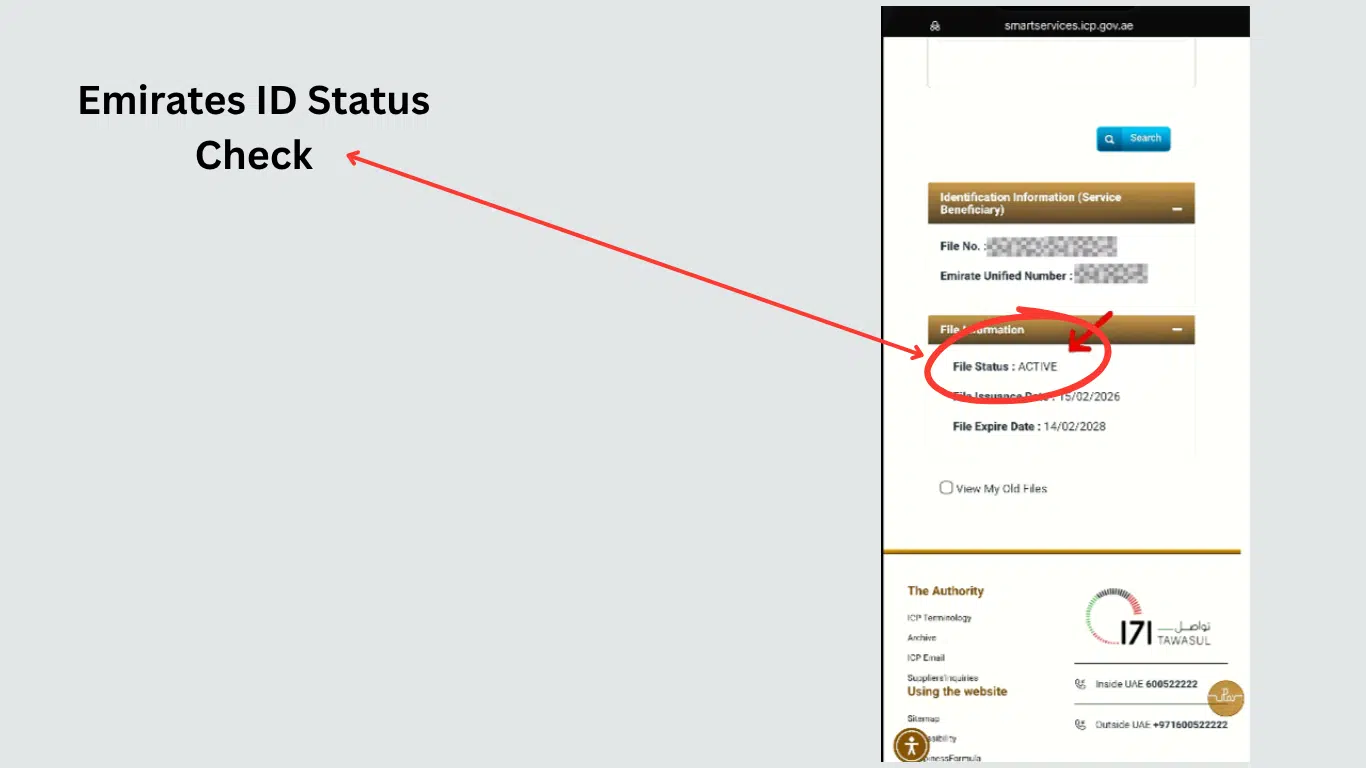
You will immediately find out the status of your application.
Information You’ll Need
- Application number of Emirates ID (receipt number)
- Or Emirates ID number (in case of renewals)
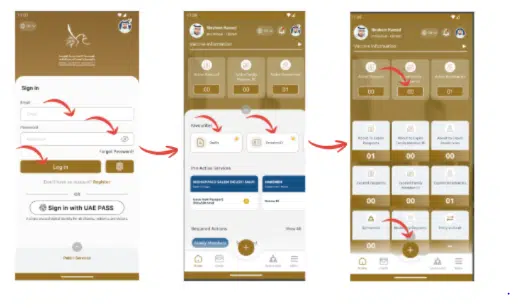
Checking the UAE ID Status using the Mobile App
ICP apps simplify life if you like your phone better.
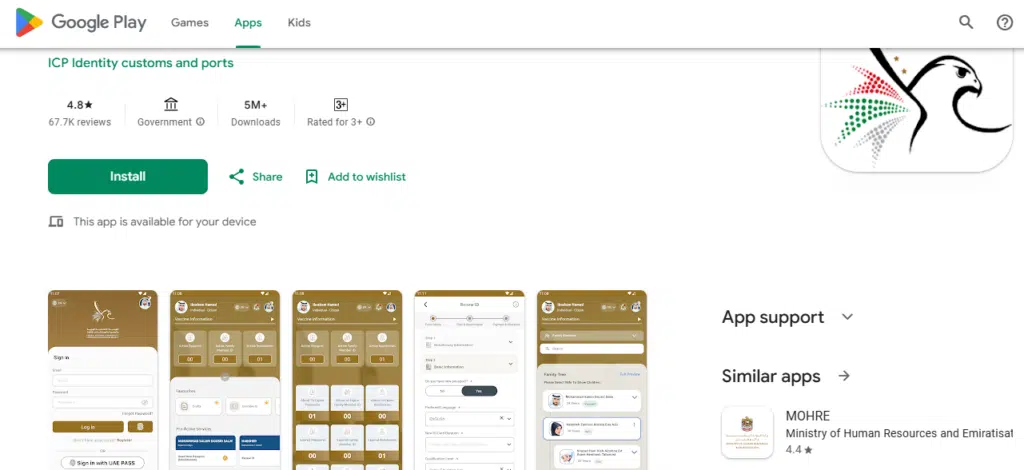
ICP Smart App or UAE PASS App
These apps allow:
- Status tracking
- Notifications
- Document access
Why I Recommend Apps
- Faster updates
- SMS alerts
- No repeated form entry
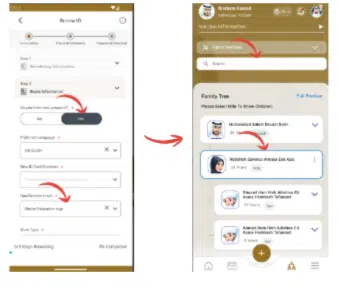
After the login, the Emirates ID status appears automatically if it is linked.
Read Also: Etisalat Loan Code 108#: Instant Emergency Credit
Emirates ID Status Messages (Most Important Section)
The majority of guides fail here. I would like to discuss the meaning of each of the statuses.
Under Process
This involves document checks and background checks
What to do:
Wait 2–5 working days. Nothing to be done except that which remains too long.
Approved
We accept your application and pass it to the production of cards.
What to do:
Relax. Printing is next.
Card Printed
Your Emirates ID has been printed.
What to do:
Await SMS from the delivery service or the post office.
Dispatched
Your identification has been dispatched to be delivered.
What to do:
Following delivery by means of SMS or Emirates Post.
Ready for Collection
In the post office, you will find your ID.
What to do:
Bring a passport and the receipt of the application to pick.
Rejected or Returned
Something is wrong with the documents or information.
What to do immediately:
Go to the typing facility or call ICP assistance.
It is linked to Mirates ID status, which would be automatic
Additional Methods for Checking Your Emirates ID Status
Visit Typing or Amer Centers
Physical centers are useful in the event that online systems are confusing you.
Bring:
- Passport
- Application receipt
- Visa copy
Staff can:
- Check status
- Correct errors
- Re-submit documents
Contact ICP Customer Support
- ICP hotline: 600 522 222
- Chat support is available on the official site online.
This is useful if:
- You have lost your application number.
The status has not been updated in weeks.
What is the Time taken to issue an Emirates ID?
Processing time varies, but general timelines are:
- New application takes 7- 10 working days.
- Renewal: 5–7 working days
- The peak seasons may have delays.
Time is influenced by biometrics, appointments, and the accuracy of documents.
What to do in case of a delay in the delivery of the Emirates ID
Delays do occur – this is how to deal with them amicably.
Common Causes
- Incomplete documents
- Passport mismatch
- Pending biometrics
- System backlog
Smart Actions
- Recheck your status after 48 hours
- Report to ICP in case the delay is more than 10 working days.
- Go to the typing center, where necessary.
Never ignore a “returned” or “rejected” status.
Advice on a Smooth locale of the UAE ID
Experience tells us that such little measures save great trouble:
- Take your application receipt with you.
- Keep your application receipt safe
- Complete biometrics on time
- Track status every few days
- Beware of those agents who are offering you quick approval; that is a warning signal.
Frequently Aksed Questions (FAQs)
What is the method for online checking my Emirates ID?
You may check it on the official ICP website with the help of your application number or the Emirates ID number
Is it possible to check the UAE ID status without the application number?
No, by calling the help desk of ICP or going to a typing center with your passport information.
What is Under Process ” mean in the status of the Emirates ID?
Please note that your application is currently under consideration. There is no course of action unless it remains constant over a prolonged period of days.
Does Emirates ID have status through SMS?
Yes, when your card is printed or sent, it will be updated immediately by SMS
Am I required to have my Emirates ID when processing a visa or work permit?
Absolutely. Numerous visas, MOFA, and hiring activities require a legitimate Emirates ID.
Read Also: Check Etisalat Number Instantly Using USSD Code
Final Thoughts
Checking your status on the UAE ID card is not a meet-the-eye thing, but an obligation. Attending to an application to work, visa renewal, or just putting together papers to go offshore, as I did, it is better to be on time, time saved, stress saved, and money saved.
I would use formal processes, study all the status messages, and behave in the same way.