Is Etisalat not operating in the UAE? You may also experience no longer calling, sending SMS, or using mobile data, which may mean you would need to re-verify your Emirates ID in your SIM. This is among the most frequently requested searches by users on how to renew an Etisalat SIM online. The positive thing is that you do not have to go to a branch. The Etisalat SIM renewal can be accomplished online within a couple of minutes with the help of the official website, the mobile app, or the UAE PASS verification.
After this step-by-step process, you will discover not only the actual process of renewing your Etisalat SIM online in the UAE, but also the actual documents needed, and how to never permanently deactivate your SIM.
Can You Renew Etisalat SIM Online?
Yes, you can renew your SIM online through:
- The official site of Etisalat UAE.
- The My Etisalat UAE app
- Verification using UAE PASS
It takes 5-15 minutes in the majority of cases.
1: Etisalat Website Renewal (Official Online Process)
Visit the Official Etisalat Website
Open the official site of Etisalat UAE.

Log in to Your Account
Click on the option of login and enter your registered mobile number.
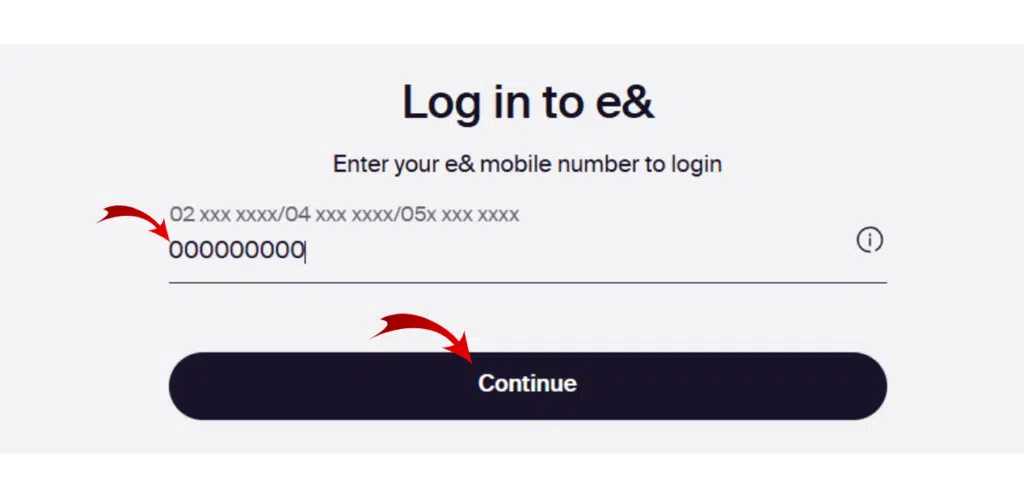
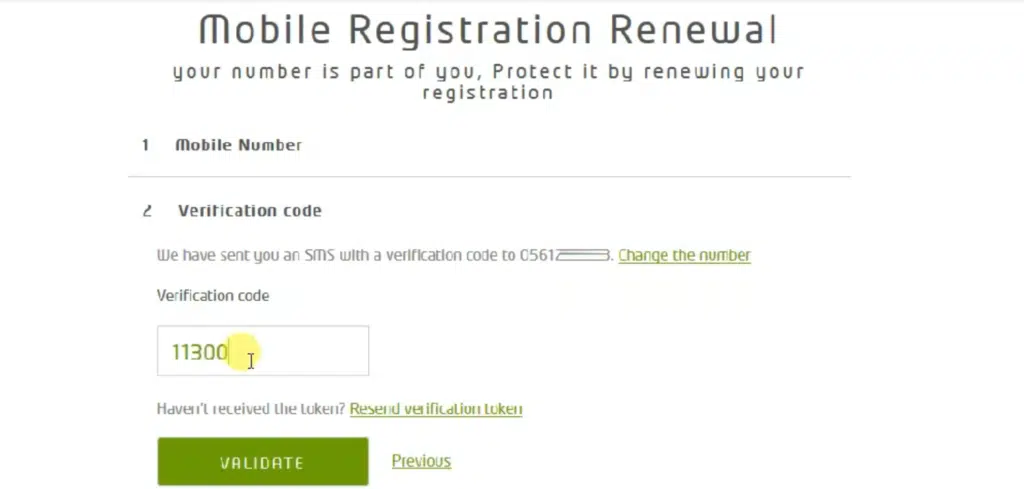
Verify Using OTP
Enter the one-time password sent to your SIM.
Go to the ID Verification Section
Navigate to your profile or SIM management section.
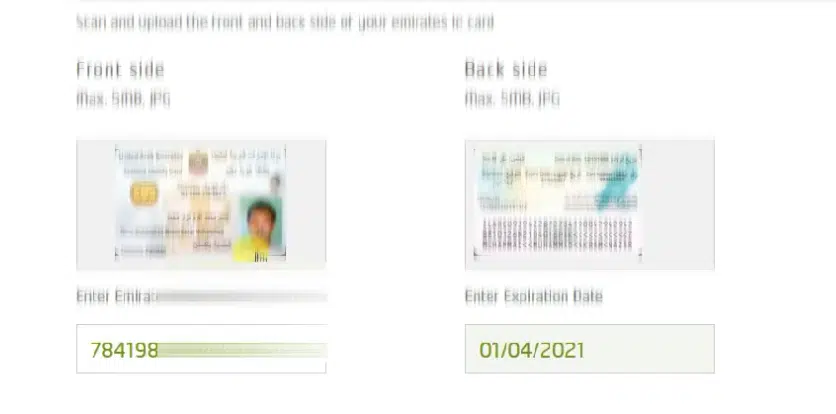
Upload Emirates ID
Add clear pictures to the front and back of your Emirates ID.
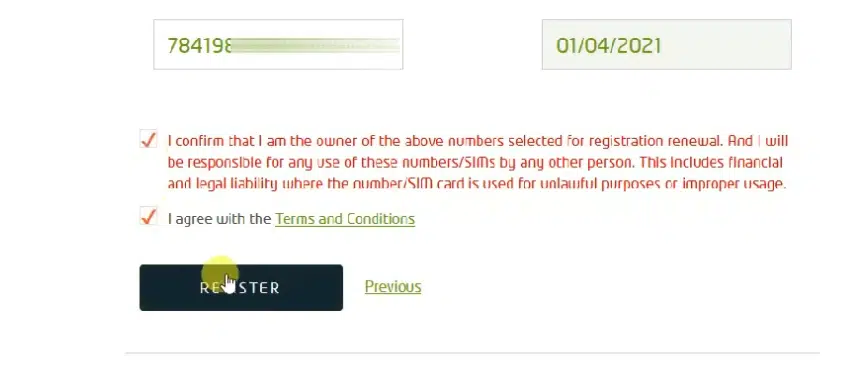
Confirm and Submit
Check information and submit the renewal application.
Processing Time
- Usually completed within minutes
- In certain cases, May can take up to 24 hours.
2: Etisalat UAE App Renewal
Open the My Etisalat UAE App
Install and download the app in case you have not done that already.
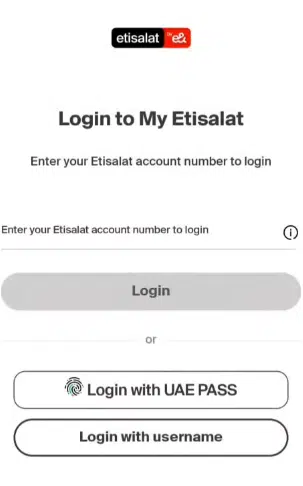
Login with Your Mobile Number
Enter your registered number and verify with OTP.
Access Profile or Verification Section
Go to your account dashboard and look for ID verification.
Upload Emirates ID
Take a clear photo or upload a scanned copy.
Complete Biometric Verification (If Required)
Facial verification could be requested of some of the users.
Submit the Request
Confirm details and submit.
Processing Time
Usually 5–15 minutes.
Read Also: Etisalat Loan Code 108#: Instant Emergency Credit
3: Renewal via UAE PASS (Fastest Approval Option)
This method is usually instant in the case that your Emirates ID is connected to UAE PASS.
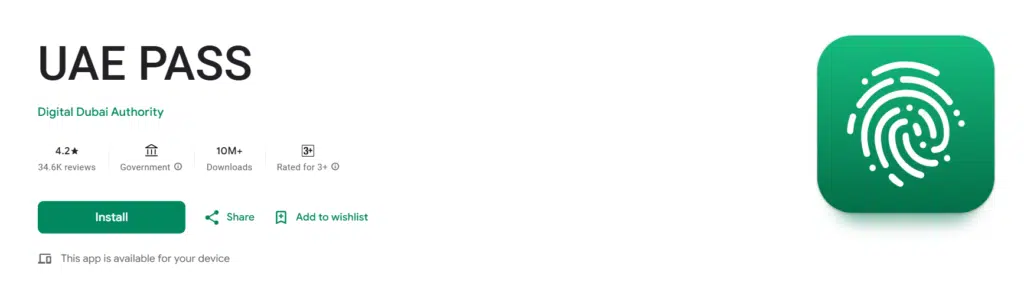
Choose Login with UAE PASS
On the Etisalat website (or application), select the UAE PASS login.
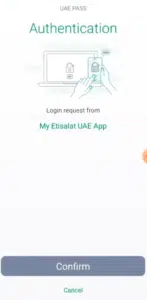
Approve Authentication
Authenticate the request for login in your UAE PASS app.
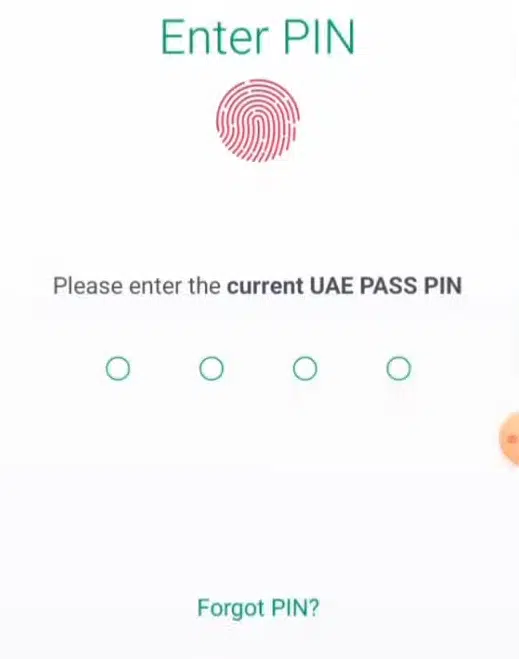
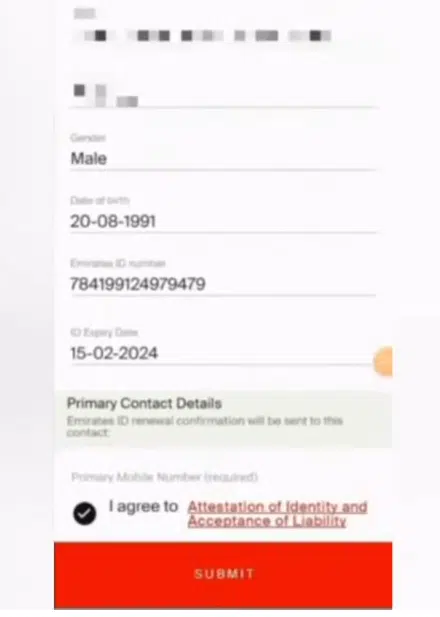
Verify Emirates ID Details
ID will automatically be synchronized.
Confirm and Submit
Approve the verification request.
Processing Time
Often, instant approval.
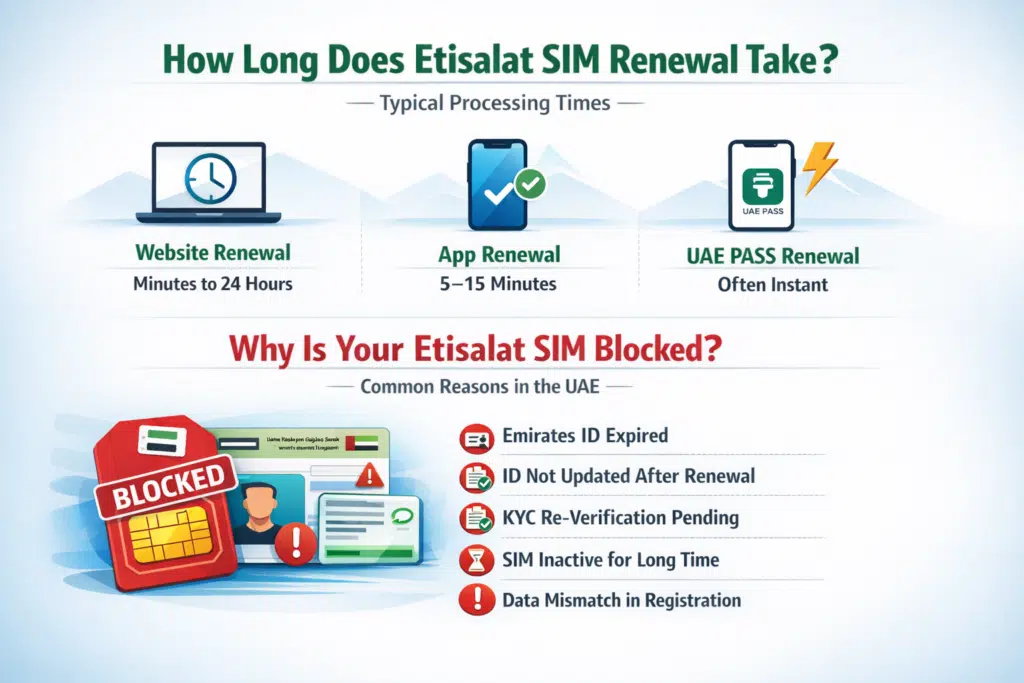
How Long Does Etisalat SIM Renewal Take?
In most cases:
- Renewal of websites: between 24 hours.
- App renewal: 5–15 minutes
- UAE PASS renewal: The renewal is usually immediate.
Why Is Your Etisalat SIM Blocked or Suspended?
Telecom laws in the UAE are such that every SIM card must be linked to an existing Emirates ID.
Your SIM may stop working because:
- Your Emirates ID has expired
- After renewal, there was no update of ID details.
- KYC is under re-verification.
- SIM was in its dormancy.
- Data mismatch in registration
Frequently Asked Questions (FAQs)
1. Can I renew an Etisalat SIM online without attending a branch?
Yes. It is possible to renew your SIM online on the official Etisalat UAE site, on the My Etisalat UAE app, or with the help of UAE PASS. The visit to the branch can only be done in case of online verification.
2. What are the documents are needed to renew an Etisalat SIM?
A valid Emirates ID and access to your registered mobile number to complete your verification of OTP are required. Optional will be the UAE PASS, which may accelerate the process.
3. What is the duration of Etisalat SIM renewal?
The renewal process takes most renewals between 5 and 15 minutes to complete. Some of them can even take 24 hours in case it has to be verified manually.
4. Will the non-renewal of my SIM be fined?
No monetary fine is typically present. Your SIM services might be disconnected, however, and a long delay may lead to the loss of the number altogether.
5. What will happen if my Emirates ID has expired?
The first thing you need is to renew your Emirates ID. The UAE telecom rules do not permit the process of SIM renewal to occur when an ID has expired.
Read Also: Check Etisalat Number Instantly Using USSD Code
Final Thought
Online renewal of an Etisalat SIM in the UAE is simple and faster, and is necessary to maintain the number. In any case, be it the official Etisalat UAE site, the My Etisalat UAE application, or the UAE PASS check, it only takes a couple of minutes.
In case of SIM suspension or if you need to update your Emirates ID, then do not wait. Often, the renewal will be completed today to prevent service disruption or permanent loss of numbers, and resume your calls and data.