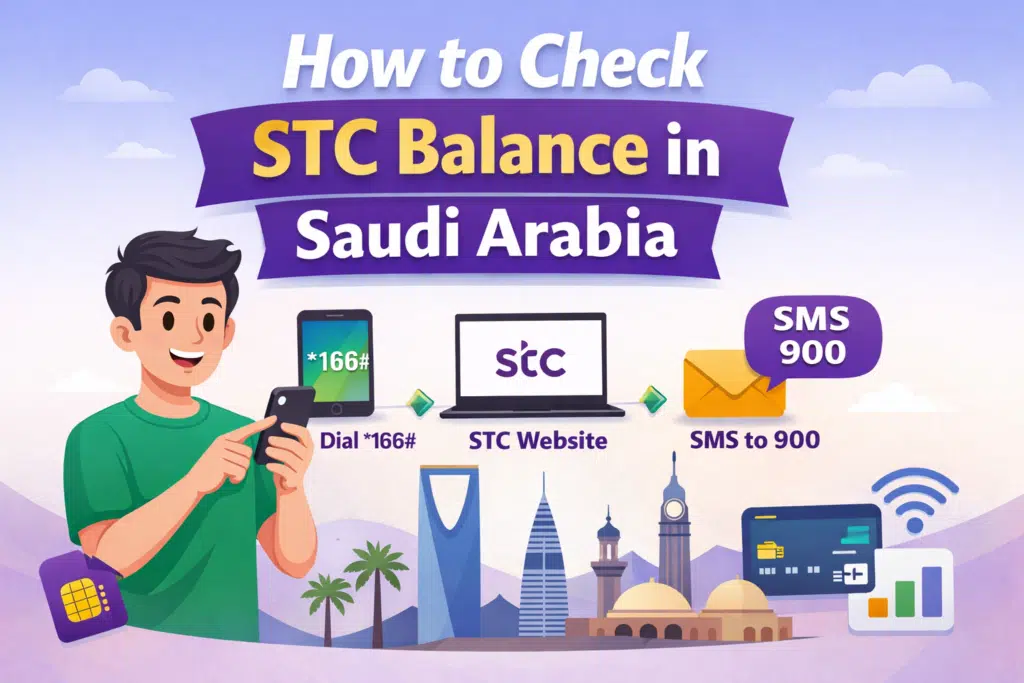
Do you have an account with STC in Saudi Arabia having difficulty monitoring your balance? It is necessary to keep abreast with your mobile credit, data, and package validity in order to prevent sudden service breakdowns.
In this guide, I’ll provide the quickest, most convenient, and surest methods of checking your STC balance.
- Dialing a USSD code
- Using the STC website
- Sending an SMS to 900
Through these ways, you will never run out of money, you will be able to use it at any time, and you will never have to miss out on the services.
Method 1: by Dialing Code *166#
Checking your STC balance is most popular with the fastest method, which is the USSD code. It is an internet-free service that can be used anywhere in Saudi Arabia.
Step 1: Open Your Phone Dialer
Launch the dialer app on your mobile device.
Step 2: Dial *166#
Enter the code *166# exactly as shown.
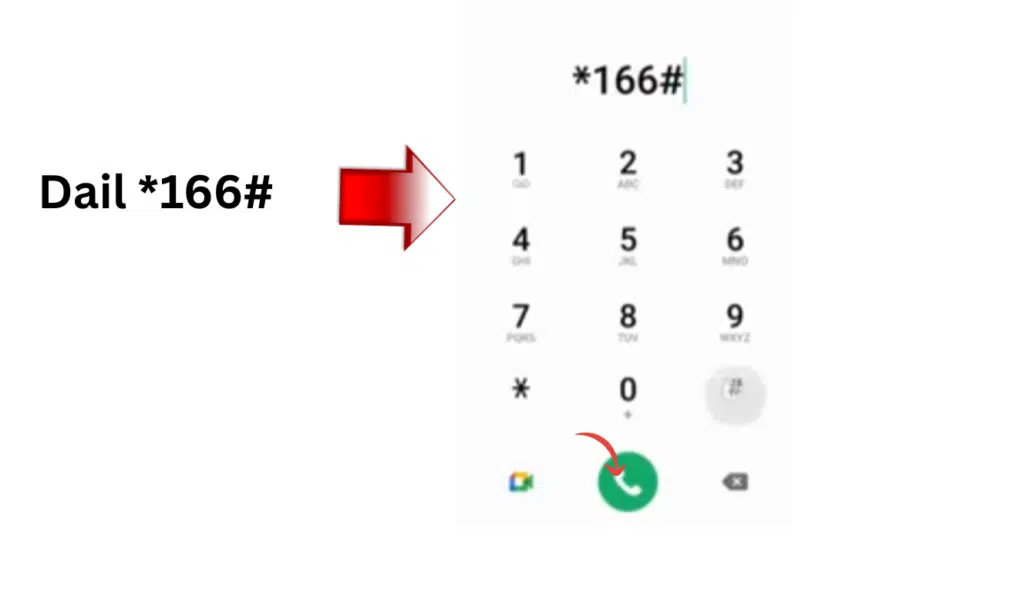
Step 3: Press the Call Button
Tap the call button to send the request.
Step 4: View Your Balance
The balance left in your account, including prepaid credit, will be displayed in a few seconds.
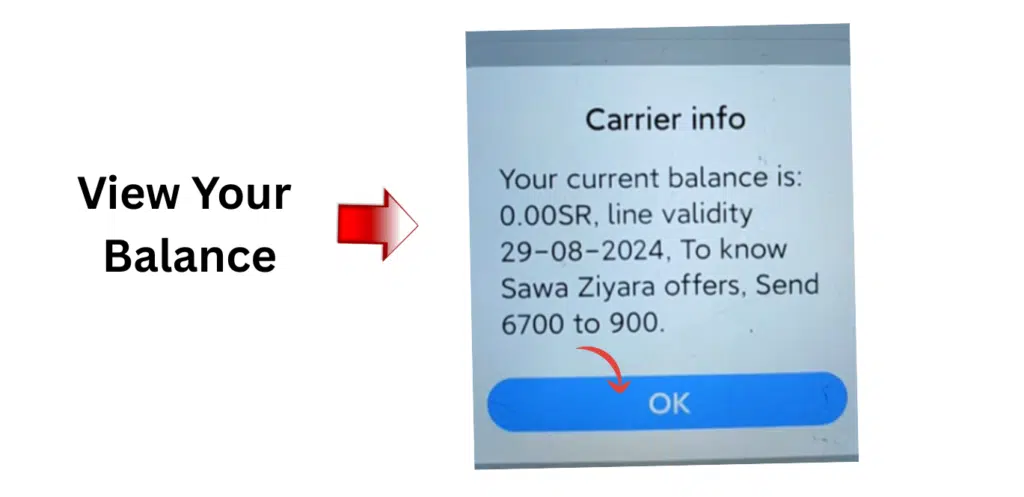
This feature is effective for prepaid and postpaid users, and it is ideal when you are on the move.
Read Also: Police Clearance Certificate in Saudi Arabia (PCC Guide)
Method 2: Check STC Balance via the STC App
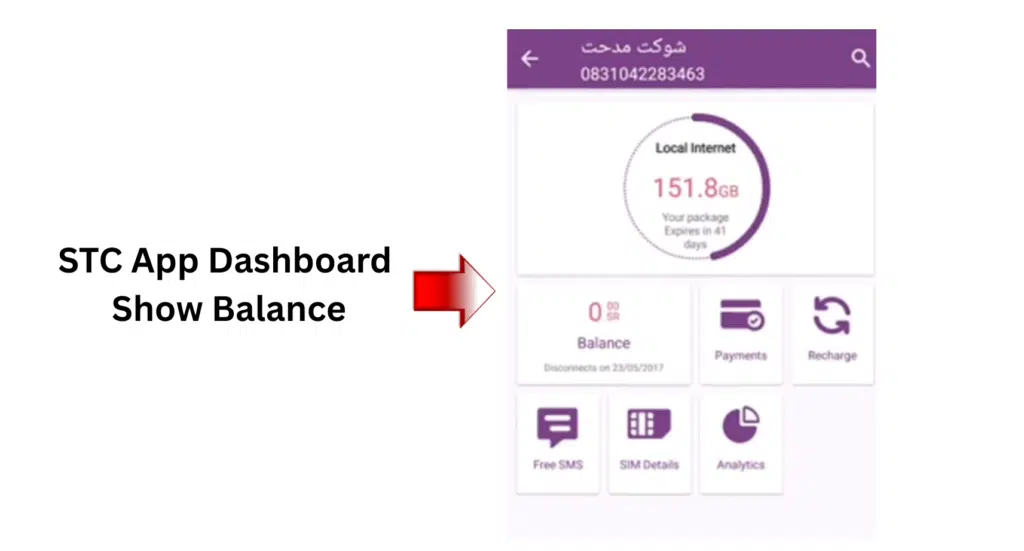
In the event that you like handling your account online, the official app of the STC will enable you to see your balance, the information used, and the available plans.
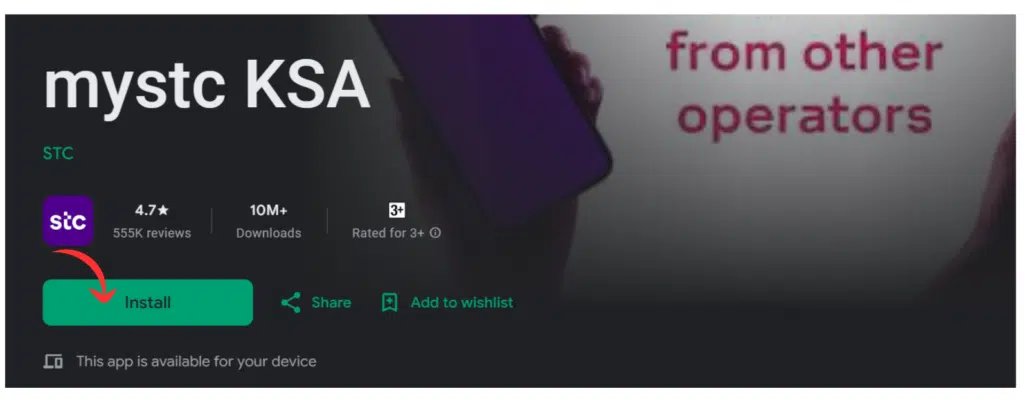
Step 1: Install the STC app
Search in play store and mySTC KSA app and tap install.
Step 2: Log In to Your Account
Click on the Login, and fill in your STC mobile number and password. In the event that you do not have an account, create one using your number.
Step 3: Navigate to Your Balance Section
After the login, please visit the Account overview or my Balance.
Step 4: Check Your Balance
In this case, you will be able to see your remaining credit, data, and minutes details.
Management of your account, invoices, and the history of usage can be conveniently managed using the website as well.
Method 3: Check STC Balance via SMS
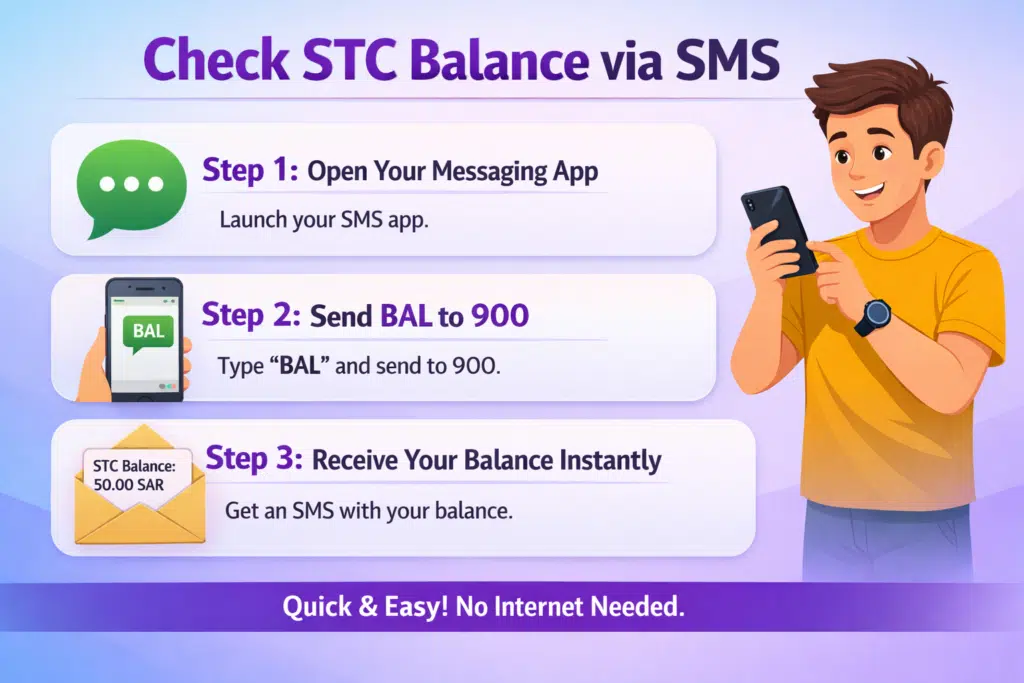
STC balance also has the option of sending a simple SMS to check the balance, which would be helpful when you do not need to dial any code or use the internet.
Step 1: Open Your Messaging App
Launch the SMS or messaging application on your phone.
Step 2: Send BAL to 900
Type BAL In the message body, send it to 900.
Step 3: Receive Your Balance Instantly
Within a few seconds, you will get an SMS of your existing balance with STC.
This is the best approach when using prepaid and convenient when you do not have much access to the network or no access to the internet.
Troubleshooting Common Issues
Although checking your STC balance is an easy task, you sometimes might have some small problems.
USSD Code Not Responding
If dialing *166# doesn’t work:
- Make sure that your phone signal is good.
- Make sure that the USSD code is typed properly.
Delayed SMS Response
In case you do not get your balance through SMS after sending BAL to 900:
- Test your phone message centre settings.
- Wait a few minutes and resend the SMS.
Website Login Problems
In case you are unable to access the STC site to check your balance:
- Clear your browser cache and cookies.
- Update your browser to the latest version.
MySTC App Issues
In case the MySTC app is not displaying your balance or is not functioning correctly:
- Make sure that the app is on the latest version.
- Restart the app or your phone.
These measures will guarantee your ability to check your STC balance without complications and the elimination of redundant delays and mistakes.
FAQs About STC Balance
Can I check my STC data balance separately?
Yes, it is possible to check your data balance with the help of the MySTC application or by dialing *166#.
Do I need the internet to check my STC balance?
No, the USSD code (*166#) and the SMS method (send BAL to 900) works without internet.
What would you do if I can not check my balance?
Check that your phone has a network connection, re-check the USSD code or SMS format, or attempt to log in to the STC website.
What is the number of customer services of STC?
900 to be assisted with balance checks, plans, and other questions.
Read Also: Border Number Not Showing? Saudi Absher Fix
Final Words
In Saudi Arabia, it is also easy, quick, and safe to check your balance on the STC. The way that suits you best will be:
- Dial
*166#for instant, USSD balance. - See the STC app to get a description of the account.
- Send
BALto 900 for SMS confirmation.
Through these steps, you are able to maintain control over your credit, data, and minutes and prevent unwanted service interruptions.