
- What is Lulu Exchange?
- Method 1: Check Lulu Balance Online
- Method 2: Using the Lulu Money App
- Method 3: Check Lulu Balance by SMS
- Method 4: Check Lulu Balance at ATM
- Method 5: Check Lulu Balance at the Branch
- How to Check Lulu Transaction History Online
- Activate the Lulu Salary Card Before Checking the Balance
- FAQs
- Final Thoughts
How much money do you have in your Lulu wallet right now? If you’re using a Lulu salary card or prepaid card, checking your balance quickly is important, especially before withdrawing cash or sending money. You can check your Lulu balance instantly using these methods:
- Official website
- Mobile app
- SMS service
- ATM
- By visiting a branch
The fastest and most convenient methods are online through the website or the mobile app, using your registered mobile number and OTP verification.
What is Lulu Exchange?
Lulu Exchange is considered to be one of the most prominent financial services providers in the UAE and GCC region. It provides prepaid cards, remittance, online money transfer services and salary cards.
If you have a Lulu salary card, you can check your balance anytime using the methods below.
Method 1: Check Lulu Balance Online
This is one of the most searched methods and works perfectly if you prefer using a laptop or browser.
Visit the Official Lulu Exchange Website
- Open your browser and go to the official Lulu Exchange website.
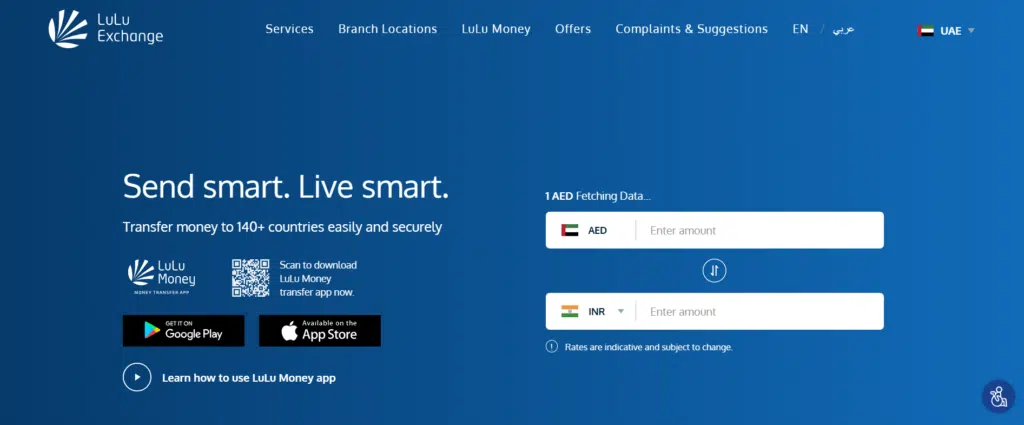
Click on Customer Login / Portal
- Look for the login section designed for salary card or account holders.
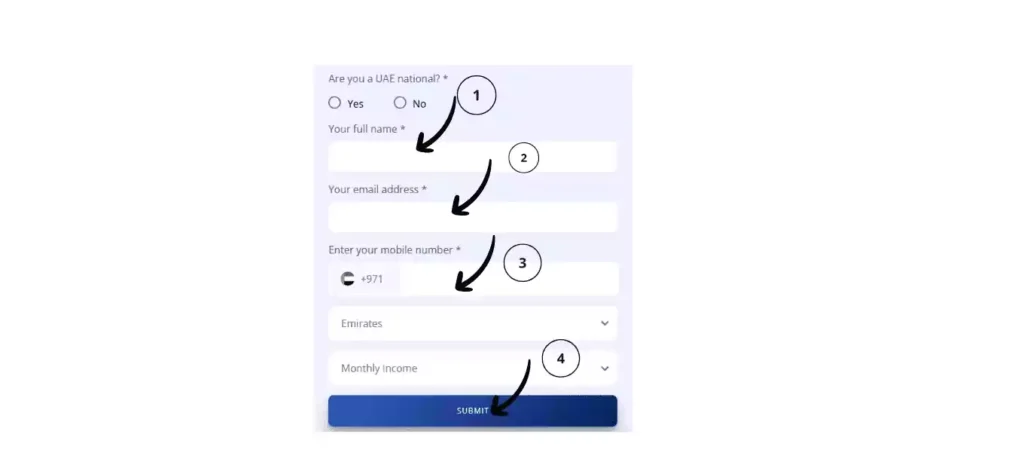
Enter Your Registered Mobile Number or User ID
- Make sure you use the mobile number registered with your Lulu account.
Verify OTP
- You will receive a One-Time Password (OTP). Enter it to verify your identity.
View Your Account Balance
Once logged in, your current balance will appear on the dashboard instantly.
- Works 24/7
- Completely free
- Balance updates after salary credit
If login fails, reset your password or try the mobile app instead.
Method 2: Using the Lulu Money App
The mobile app is the easiest and fastest option. Lulu Money allows users to check their balance, transfer money, and view transactions in real-time.
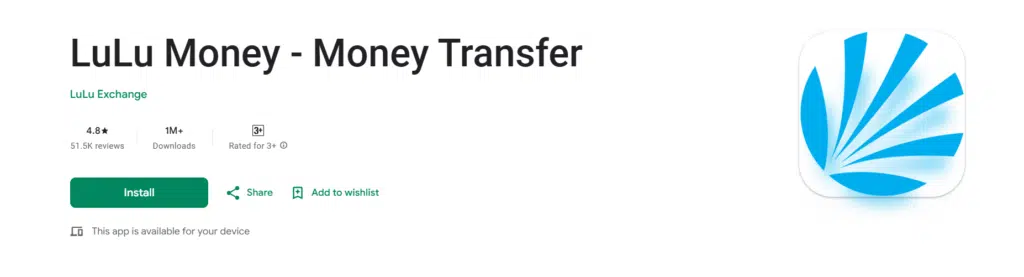
Download the Lulu Money App
- Download from the Google Play Store or Apple App Store.
Register or Login
- Use your registered mobile number.
Verify OTP
- Enter the OTP sent to your phone.
Tap on “Account Balance”
- Your available balance will appear immediately.
Check Transaction History
You can also view recent salary credits and withdrawals.
Why this method is best:
- Instant access
- Free to use
- Shows transaction details
- Secure login system
Method 3: Check Lulu Balance by SMS
If you don’t have internet access, SMS is a reliable option.
Open Your Messaging App
Launch the SMS or Text Messages app on your phone.
Type the Balance Message
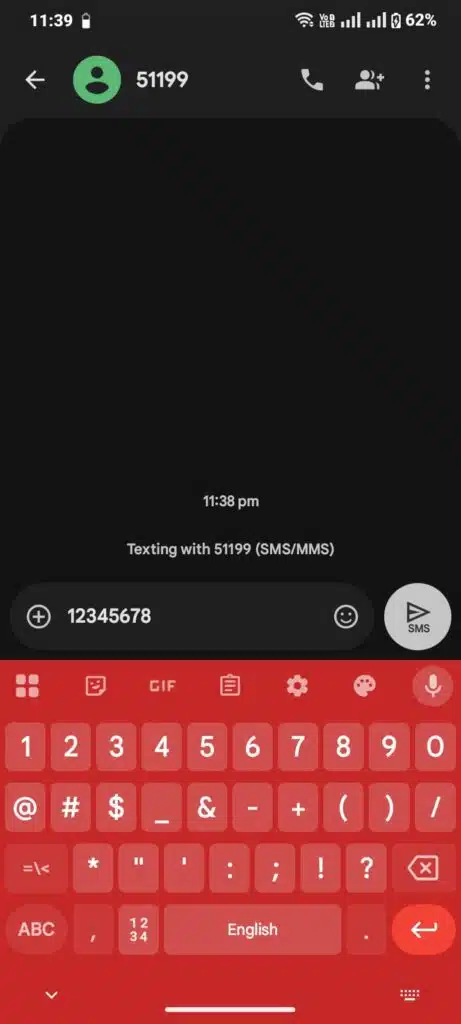
In the text body, type your balance inquiry in the following format:
BAL [Your Card Number]
Example:
BAL 1234567890123456
- Use your full card number (or NIN number if instructed on your card details).
Send the SMS to Lulu’s Balance Number
Send this message to:
51199
This is the official SMS balance inquiry number for the Lulu balance check in the UAE.
Make sure the SMS is sent from the mobile number you registered with Lulu Exchange; the system may not recognise your account.
Receive Your Balance by SMS
Within a few seconds, you’ll receive an SMS reply showing your current available balance.
Method 4: Check Lulu Balance at ATM
If you have your Lulu salary card, you can check your balance at an ATM.
Steps:
- Insert your Lulu card
- Enter your PIN
- Select “Balance Inquiry”
- View your available balance
Method 5: Check Lulu Balance at the Branch
If online methods are not working, visit a branch.
Steps
- Visit the nearest Lulu Exchange branch
- Provide your ID or salary card
- Request a balance inquiry
Best for:
- Forgotten PIN
- Mobile number changed
- Technical issues
How to Check Lulu Transaction History Online
Sometimes you don’t just need your balance — you need details.
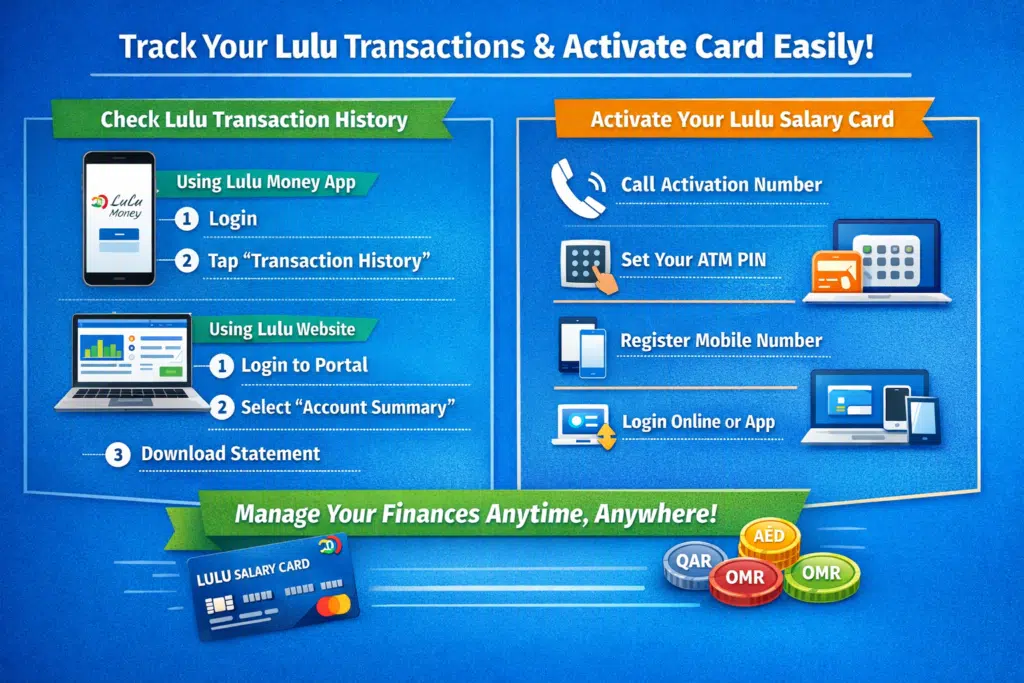
You can check the transaction history through:
Via App
- Login
- Go to “Transaction History”
- View recent credits and debits
Via Website
- Log in to the portal
- Select account summary
- View or download statement
This helps you track salary deposits and expenses.
Activate the Lulu Salary Card Before Checking the Balance
If your card is new, you may need activation.
Steps
- Call the activation number provided
- Set your ATM PIN
- Register your mobile number
- Log in via website or app
Without activation, the balance may not display properly.
FAQs
How can I check my Lulu balance online without the app?
The Lulu Exchange official site allows you to access the site by using your registered mobile number and OTP verification.
Is Lulu’s balance updated immediately?
Yes, once salary is credited, your balance updates in real-time on the app and website.
Is it possible to check the balance of Lulu beyond the UAE?
Yes, online methods work as long as you have internet access and your registered mobile number.
What if I forget my login password?
Use the “Forgot Password” option on the website or app and reset using OTP verification.
Is it possible to check the Lulu balance with no registered mobile number?
No, to authorise the mobile phone number, a registered mobile number is needed.
Read Also: Student NOL Card Dubai Guide 2026: Apply & Save
Final Thoughts
There is no need to complicate or spend time checking your Lulu balance. You can use the official site, the Lulu Money app, SMS service, ATM, or go to a branch; now you have all the possible and sure appropriate ways on a step-by-step basis.
The mobile application or online portal is the best choice if you want the fastest and most convenient choice. Check your balance online in seconds, track transactions, and keep track of the credit of your salary.